
Why one word at a time beats a block of text
When a full subtitle block appears on screen, the viewer reads the whole sentence at once, decides if it is interesting, and swipes if it is not. Word-by-word highlighting changes that dynamic. In MaqtAi it is an option, not the default: tick Highlight words as they're spoken on the captions step. Left off, captions still animate, in chunks of up to four words. With it on, each word lands on its own beat, and the viewer follows along because the next word is always about to arrive. It is the same mechanic karaoke screens have used forever: you watch because you want to see what comes next.
Short-form feeds are ruthless. Viewers make a stay-or-swipe call in the first couple of seconds. A block caption hands them all the information up front, which means they can evaluate and dismiss your sentence before the narration even finishes. The captions drip-feed the sentence so the viewer commits to finishing it before judging.
This matters even more for the large number of viewers who scroll with sound off, especially on Instagram and Facebook where autoplay is silent by default. For them, your captions are not a supplement. They are your entire pitch.
Picking a caption style that matches your niche
Not all captions should look the same. The style you choose should reflect the kind of content you make, not just your color preference.
- Stoic motivation or quote channels: Bold, centered, high-contrast text. The words ARE the content, so give them the spotlight.
- Scary stories or true crime: Smaller, lower-placed captions so the visuals stay dominant. You want atmosphere first, text second.
- Finance or explainer channels: Clean, legible text that does not compete with any on-screen data or graphics.
- Sleep and relaxation: Soft colors, gentle size. Nothing that feels urgent or jarring.
Think about what your viewer came for. If they came for visuals, keep captions subtle. If they came for information or motivation, let the text be loud. The wrong match creates friction even when the words themselves are perfect.
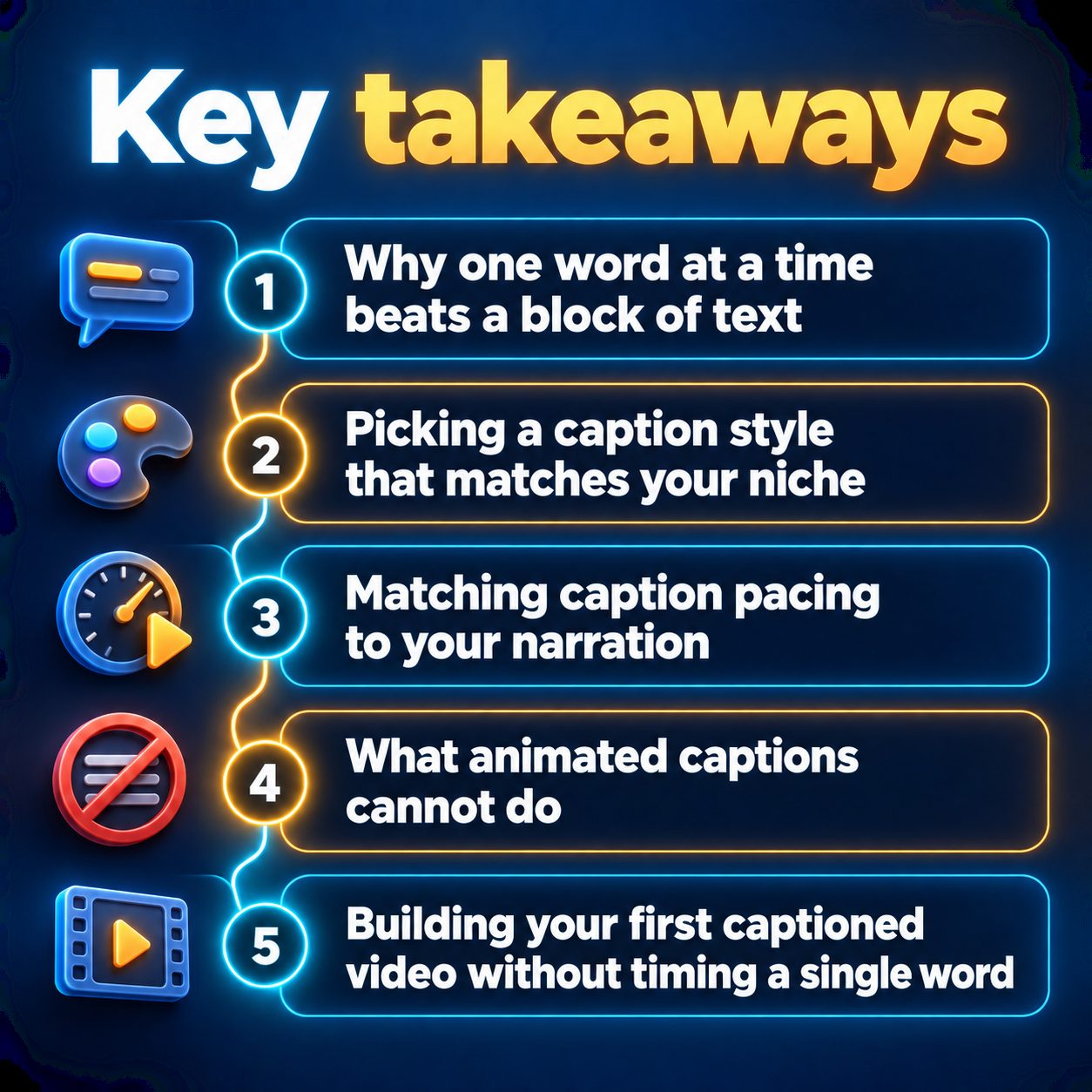
Matching caption pacing to your narration
The captions follow the voiceover automatically, so the real decision here is how fast or slow your narration runs. MaqtAi lets you adjust the narration speed in the Voice step of the video wizard, and the captions match that pace without any extra work.
Your speed choice is really a niche choice:
- Bedtime stories and meditation: Slow narration. Each word lingers on screen, building a calm rhythm.
- News recaps and curiosity hooks: Faster narration. Words flash by, creating urgency and energy.
- Motivation and storytelling: Moderate pace with variation. Slow on the emotional beats, quicker on the buildup.
The goal is to match the emotional state your viewer expects. A scary story channel that narrates too quickly loses its tension. A finance channel that narrates too slowly feels like it is wasting time. The captions amplify whatever pacing you set.
What animated captions cannot do
They cannot fix a weak hook. If a viewer swipes in the opening seconds, they never see your captions at all. The first spoken line and the opening frame do that heavy lifting. Captions keep someone who almost stayed.
They cannot rescue a wandering script, either. A bloated, unfocused script with perfectly timed captions just means the viewer watches boring words appear one at a time. The caption mechanic rewards tight, punchy writing because every word earns its screen time. If your sentences run long, the highlighting actually makes the drag more obvious.
Captions also do not directly boost reach. Platforms rank shorts by watch time, completion, likes, and shares. Captions help with completion (which feeds those signals), but they are one contributing piece. Your niche, your hook, and your posting consistency still do the real work.
And if your niche is purely visual with no narration (satisfying loops, silent ASMR, nature clips), animated captions have nothing to attach to. They are a narration tool. Know when they do not apply.
Building your first captioned video without timing a single word
In traditional editing, animated caption sync is genuinely tedious. You import the transcript, split every word, drag each one to the right spot on the audio timeline, and style them individually. For even a short video, this process can take longer than the actual edit.
MaqtAi removes that specific friction. Every video it creates includes a Captions step where you turn on animated animated captions in your chosen language. They sync automatically to the AI voiceover. No timeline, no manual alignment, no third-party captioning tool.
Here is the workflow that actually matters for retention:
- Start with a hook-first script. The first sentence should open a question the viewer needs answered. Whether you write it yourself or let the AI draft it, the hook decides everything.
- Choose a voice and speed that fit your niche energy.
- Enable animated captions and pick a style that complements your visuals instead of competing with them.
- Watch the finished video with sound off before posting. If the captions alone tell a clear, compelling story, your muted viewers will stay.
If you are posting daily or running several channels at once, scheduling and Autopilot keep the cadence going without you babysitting each upload.
The quiet cost of skipping captions
Every video you post without captions is a video that only works for viewers who have their sound on. You are invisible to everyone else. That gap compounds. The channel that captions every post collects more total watch time per video, which gives the algorithm stronger signal, which earns more impressions on the next upload.
You do not need to commit to a whole content strategy to test this. MaqtAi gives you free credits when you verify your email, enough to make a few videos with full animated captions and judge the result yourself. No card, no subscription, just a finished video you can watch and decide if it holds you to the end.
Doing this by hand is the part most people quit at. MaqtAi writes the script, narrates it, generates the visuals and captions, and assembles the faceless short for you. Verify your email and you get 450 free credits: about 3 videos on the still-frame tier, or one with AI motion. Free renders carry a watermark.
Try it on your niche freeFrequently asked questions
Do animated captions work in languages other than English? Yes. MaqtAi supports animated captions in over fifty languages, and they sync automatically to the AI voiceover regardless of the language you pick.
Will captions make my videos look like every other short on TikTok? Only if you use the default look everyone else uses. Choose a size, color, and placement that match your specific niche, and your captions become part of your brand instead of generic decoration.
Can I edit the captions after the video is finished? You can. Text and caption edits on completed videos are free within the editor. If you spot a word you want changed, fix it without regenerating the whole video.
Does adding captions guarantee more views? No. Captions improve completion rate for viewers who watch on mute or engage more with on-screen text. More views come from your niche, your hook, and your consistency. Captions help you keep the viewers you already attracted.