
"My business is too boring for Shorts"
This is the first thing almost every owner says, so let's deal with it. You're not trying to go viral. You're trying to be the business that shows up when someone near you, or someone in your niche, is curious about the thing you do.
And you already have the content. It's sitting in your inbox and on your phone. Every question a customer asks you more than once is a Short:
- A plumber: "Why your water heater makes that popping sound (and when to worry)."
- A bakery: "Why sourdough costs more than supermarket bread."
- An accountant: "The receipt freelancers forget to keep."
- A pet groomer: "How often a double-coated dog actually needs a bath."
None of those are exciting on paper. All of them are things a real buyer wants to know. That's the whole game for a business channel. Boring to you means you know it cold, which is exactly why a stranger will trust you about it.
So here's your first job, before any tool or tactic. Open a note and write down every question customers asked you in the last month. That list is your content calendar for a long while.
What a business Short actually looks like
A YouTube Short is a vertical or square video up to 3 minutes long, and YouTube's own guidance treats 9:16 at 1080 x 1920 pixels as the standard. You don't need anywhere near the full length. For a business, 20 to 45 seconds is usually plenty.
The structure that works is simple:
- The hook. One sentence that names the problem. "Your water heater is popping. Here's what that means." No logo intro, no "hi guys." People decide in the opening seconds whether to keep watching.
- The problem and the payoff. Explain why it happens, then give the actual answer. Be generous. Don't hold the useful part back as bait.
- One next step. "If it's still popping after a flush, that's a call to a plumber." Say it out loud and put it on screen. Don't count on a link in the Short to do the work.
That last part matters more for a business than for a regular creator. Views are nice. A viewer who knows what to do next is a lead.
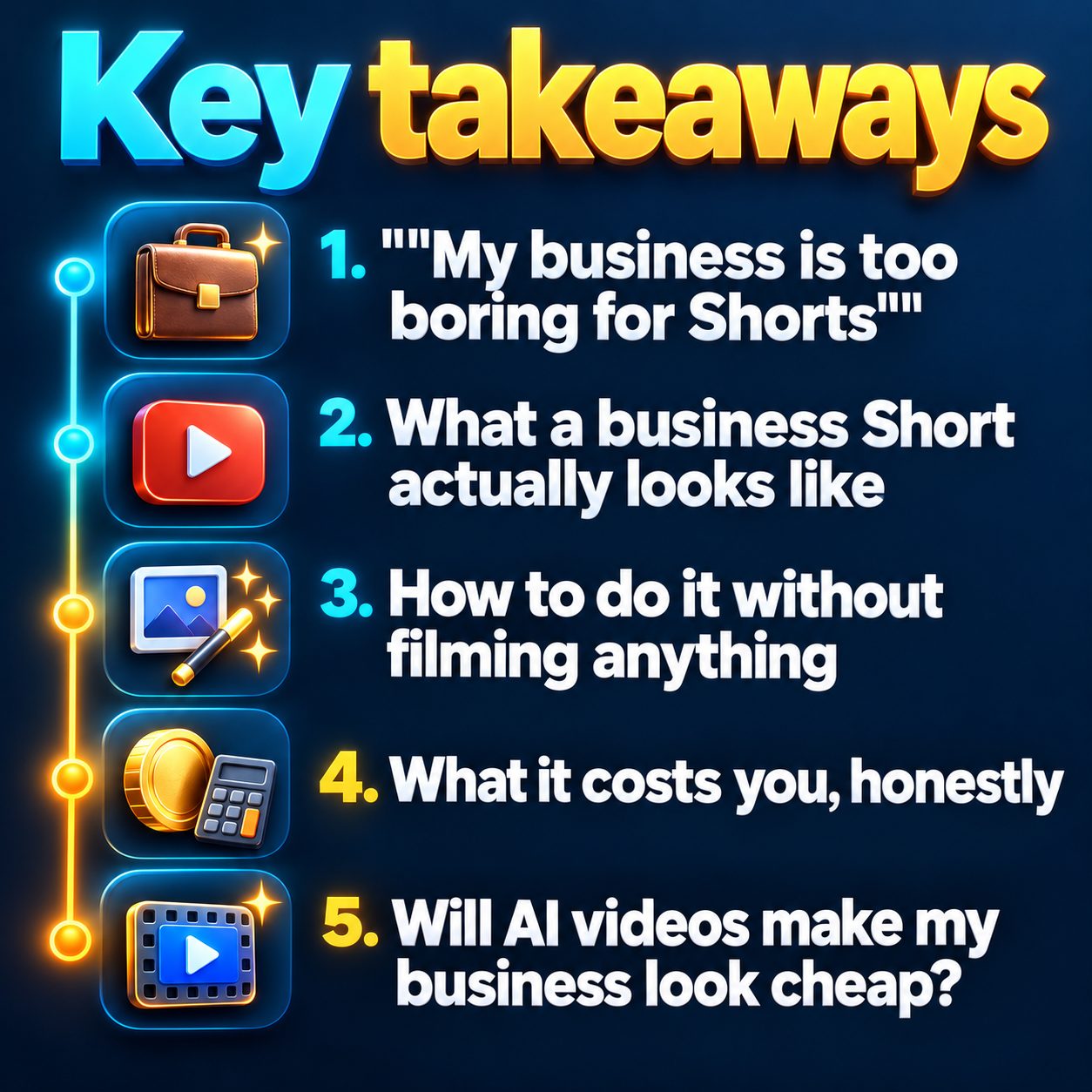
How to do it without filming anything
Here's the honest list of options, from cheapest to most involved:
- Faceless explainers. A voiceover over visuals that match the topic, with captions on screen. This fits "how it works" and "why does this happen" questions perfectly.
- Your own product photos. If you sell physical things, the photos you already took for your website or shop can carry a video while a voice explains them.
- A presenter who isn't you. Some tools offer stock AI presenters who speak your script. This works well for short promotional videos, as long as you're upfront that it's a presenter and not you.
- Light phone footage. Not filming yourself. Just a few seconds of the shop, the oven, the workbench. Optional, but it adds a real-world feel.
You can mix these. Plenty of small business channels run mostly on explainers and drop in product videos when there's something to sell.
What it costs you, honestly
This is the part nobody puts on the landing page, so here it is straight.
Time. The slow bit isn't making videos anymore. It's deciding what to say. If you batch your questions once a week, you can keep a channel fed in an hour or two. Without batching, you'll stall by week three. Everyone does.
Cadence. Pick something you'll still do when you're busy. Three times a week beats daily for most owners, because daily tends to collapse the first time you have a hectic week. Consistency teaches YouTube who your viewers are. Bursts and silences don't.
Results. Shorts build awareness slowly. You probably won't see bookings in week one, and some videos will get very few views. That's normal and it isn't a verdict on your business. Track it the old-fashioned way too: ask new customers where they heard about you. That one question tells you more than any dashboard.
Will AI videos make my business look cheap?
This is the question people think but don't type. Two honest answers.
First, YouTube doesn't push a video down just because AI helped make it. Shorts get ranked on how people behave when they watch: whether they stay, rewatch, like, share. What hurts is a lazy hook, a video that wanders, or posting near-identical clips over and over.
Second, customers do judge, but they judge the content, not the method. A clear, accurate answer with your business name on it looks professional. A generic, vague video looks cheap whether a human or a machine made it.
Now the limits, because these are real:
- AI doesn't know your business. It doesn't know your prices, your service area, or your warranty terms. Read every script before it goes out. One wrong claim costs more trust than ten good videos earn.
- Disclose realistic synthetic media. YouTube asks creators to label realistic AI-generated or altered content. The label is about honesty, and skipping it puts the video at risk.
- It won't fix a weak offer. If people watch and nobody calls, the problem is usually the next step or the offer itself, not the video.
A simple four-week plan to start
Week 1. Write your question list. Pick the best questions. Make your first two Shorts and post them. Don't polish. Just ship.
Week 2. Settle into your cadence, say three posts a week. Keep every video to one question and one next step.
Week 3. Look at which videos people watched to the end. Make more like those. Drop the topics nobody finished.
Week 4. Add one product or service video, built from your own photos, with a clear "here's how to book" ending.
The part most owners get stuck on is weeks two and three, when the novelty is gone and the shop is busy. That's where a tool earns its keep. With MaqtAi you type a topic, it writes the script in that hook, payoff, next-step shape, voices it, builds moving visuals with captions, and assembles a vertical video in typically about 6 minutes. You can edit any line before anything renders, which is exactly where you fix prices and local details. On a paid plan, Autopilot can render from a topic queue on your schedule and wait for your one-tap approval before anything posts. There are also presenter ads that can show up to six of your own product photos. You'll find business examples on the use cases page.
What waiting actually costs
No deadline is coming for you. But every week you don't post is a week YouTube learns nothing about who your customers are, and a week a competitor down the road keeps answering the questions you could be answering. Channels don't grow in a straight line. They compound, and the clock only starts with the first video.
So don't plan the whole channel. Take the best question from your list and turn it into one Short today. Most new accounts that verify their email get free credits to try it, with no card needed. On the default still-frame style that's enough for a few videos, and the pricing page shows the exact costs. Free renders carry a watermark, so treat the first one as a test of whether this fits your business. Don't treat it as your launch post.
Doing this by hand is the part most people quit at. MaqtAi writes the script, narrates it, generates the visuals and captions, and assembles the faceless short for you. Verify your email and you get 450 free credits: about 3 videos on the still-frame tier, or one with AI motion. Free renders carry a watermark.
Try it on your niche freeFrequently asked questions
Do I need to show my face to use YouTube Shorts for business? No. Faceless explainers, product photo videos and stock presenters all work, and many business channels never show the owner at all.
How often should a small business post Shorts? Pick a cadence you can keep in a busy week. Three times a week is a realistic start for most owners, and steady beats frequent.
Will customers know my videos were made with AI? Some will, and that's fine if the information is accurate and useful. Review every script for your real prices and details, and label realistic synthetic content as YouTube asks.
Can I post Shorts if I only have a free account? Yes. You can download what you make and upload it to YouTube yourself. Free renders are watermarked, and direct publishing and scheduling need a paid plan.