
What actually happens past the 3-minute mark
YouTube decides what counts as a Short, not you. Its Shorts upload rules say a Short is vertical or square and up to 3 minutes long. If you go past that, the same vertical file uploads as a regular video. YouTube doesn't reject it. It just stops being a Short.
No toggle, hashtag or upload trick changes this. If a tutorial promised you "long Shorts", it's either out of date or it's talking about a regular video filmed vertically. A tall regular video gets the worst of both worlds. It doesn't go into the Shorts feed, and on a laptop it plays as a narrow strip with black bars on both sides.
So the real question isn't how to sneak past the limit. It's which side of the limit your idea belongs on.
Do you actually need more than 3 minutes?
Honestly, most short-form ideas don't. Three minutes is already long for a swipe feed, where people decide almost instantly whether to stay. A lot of strong Shorts run 30 to 60 seconds because they carry one idea and one payoff.
Here's a quick test. Write your idea as a list of beats. If it's one question and one answer, it's a Short, and cutting it down will make it better. Some ideas have several parts that each need setup. Think of a historical event with its causes, turning point and aftermath, or a tutorial with five steps. Squeezing that under 3 minutes means rushing every part, so it needs room.
You might be quietly worried that posting long videos will kill your Shorts momentum. You don't have to pick one forever. A channel can run both. The people who find you through a Short and the people who sit through a five-minute explainer often aren't the same viewers, and that's fine. The Short gets people in the door. The long video is where they stay.
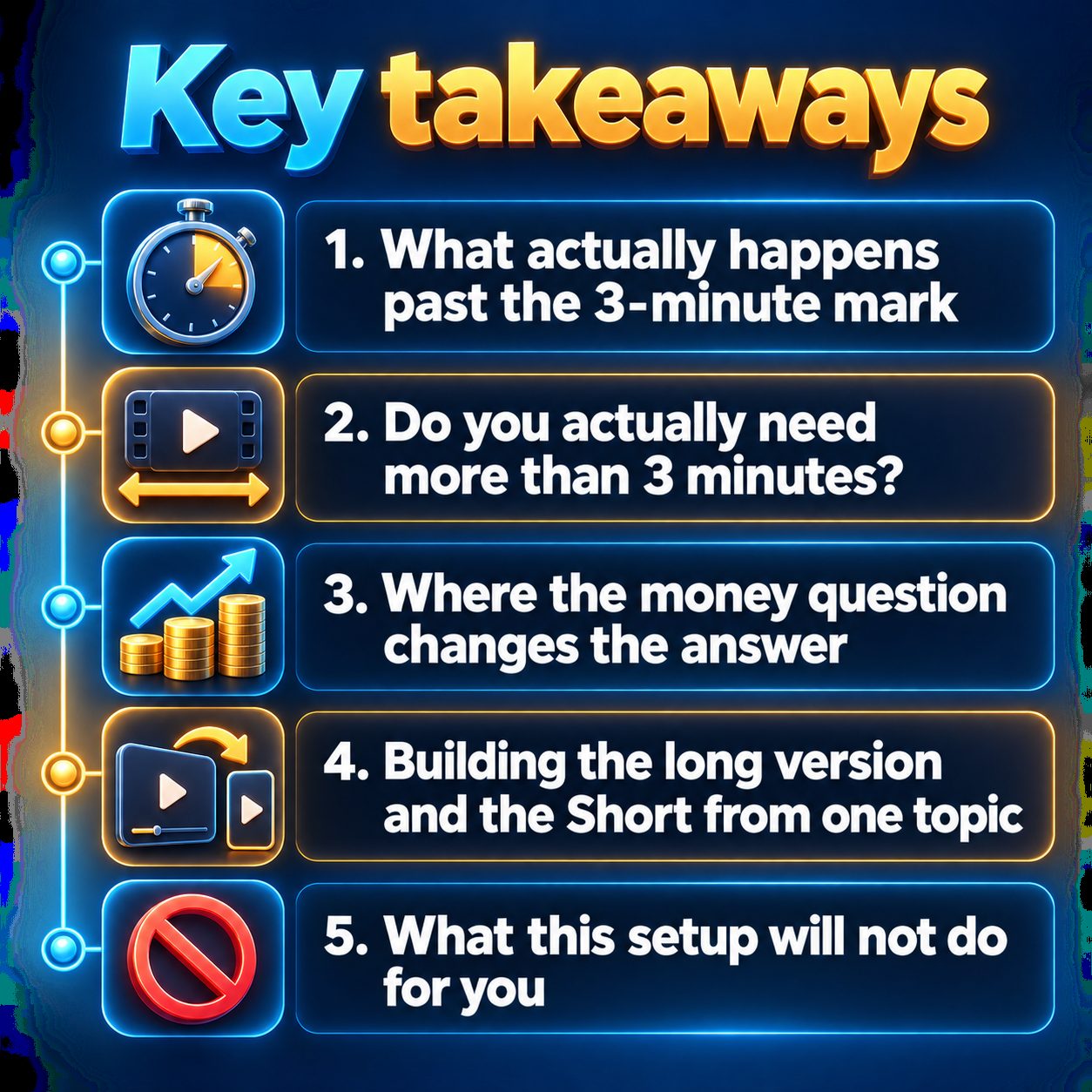
Where the money question changes the answer
If you're thinking about monetization, format matters more than people admit. The YouTube Partner Program asks for 1,000 subscribers plus either 4,000 valid public watch hours in the last 12 months or 10 million valid public Shorts views in the last 90 days. For a small channel, the watch-hours path is usually easier to reach, and watch hours come from regular videos. Regular videos also usually earn more ad revenue per view than Shorts, which have their own revenue-sharing policy.
Now the legitimacy check, because your slop radar should be on. YouTube demonetizes mass-produced, repetitive content, and AI content gets no exception. Being AI-made isn't the problem, though. Platforms rank videos by how viewers behave (watch time, completion, likes, shares), not by how the video was made. Faceless channels fail because every video looks the same: one template with a different keyword dropped in. A long video that really teaches something in clear sections is the opposite. And if your five-minute video is a 30-second idea padded with filler, viewers leave early, and that hurts you long before any policy does.
Building the long version and the Short from one topic
This is where a tool can actually save you a weekend. In MaqtAi, you choose the shape early. The wizard's Length & aspect ratio step comes before the script, so the length you pick decides how much script gets written. Choose vertical for a Short. Choose 16:9 at 2 or 5 minutes and the script automatically gets a long-form structure: a hook, themed sections and a recap. You don't end up with a stretched-out Short.
How do you pick between the two lengths? Use 2 minutes for a topic with two or three parts. Use 5 minutes for a full explainer where each section needs room.
When the 16:9 video is done, a "Make a companion Short" button creates a separate vertical video on the same topic. It isn't a teaser clipped from the long one. It has its own payoff and ends by inviting viewers to the full guide on your channel. It costs the same as any other video and publishes on its own. The two aren't linked, because links inside Shorts aren't tappable.
You can still check everything before it goes out. You can edit any line on the Scenes step, or paste your own script and it gets used word for word. The how it works page walks through the whole flow.
What this setup will not do for you
It won't turn a vertical video over 3 minutes into a Short. Nobody can do that. It won't pick topics by reading trends, because nothing in it reads trends, so choosing a topic deep enough to fill five minutes is still your call. It doesn't guarantee watch hours or monetization. A weak hook loses viewers in a five-minute video just as fast as in a 30-second one. The companion Short won't link to the long video for you. Free renders use still frames and carry a watermark, and posting straight to your channels needs a paid plan, though you can always download the file and upload it yourself. And if your niche runs on one-beat content like quick quizzes or one-line facts, skip 16:9 and stay vertical. Long-form would just slow you down.
The cost of deciding forever
Every week you spend debating format is a week your channel collects no data. YouTube learns who your videos are for from what you post, not from what you plan. Watch hours only build up on videos that exist. Meanwhile, someone in your niche is posting the explainer you've been outlining in your head.
So take one small step. Pick the topic you've been sitting on, decide whether it has one beat or several, and make that one video. Most new accounts get free credits when they verify their email, with no card needed, and that's enough to test a still-frame video. The pricing page shows what each length and quality tier costs, so you know before you press anything.
Doing this by hand is the part most people quit at. MaqtAi writes the script, narrates it, generates the visuals and captions, and assembles the faceless short for you. Verify your email and you get 450 free credits: about 3 videos on the still-frame tier, or one with AI motion. Free renders carry a watermark.
Try it on your niche freeFrequently asked questions
Can I upload a YouTube Short longer than 3 minutes? No. Under YouTube's Shorts rules, anything over 3 minutes uploads as a regular video, even if it's vertical.
Should a long video be vertical or 16:9? Use 16:9 for long videos. A vertical regular video doesn't get the Shorts feed and plays with black bars on desktop and TV.
Do Shorts views count toward the 4,000 watch hours? No. Shorts have their own path into the Partner Program of 10 million valid public Shorts views in 90 days, separate from the 4,000 watch hours that regular videos build toward.
Will a companion Short send viewers to my long video? It ends by inviting viewers to the full guide on your channel, but it isn't linked to it. Viewers find the long video by visiting your channel.
Results vary, and nothing here is a guarantee of views or income.