
Why a companion Short is not a trimmed clip
When creators hear "turn your long video into a Short," they picture chopping a highlight reel from existing footage. That approach gives you a fragment. No real opening, no payoff, and no reason for a new viewer to care.
A companion Short works differently. MaqtAi generates a separate standalone video on the same topic, with its own hook, its own script arc, and its own conclusion. It ends by inviting viewers to find the full guide on your channel. Think of it less like cutting a trailer and more like writing a second piece that covers the same ground from a tighter angle.
That distinction matters because Shorts viewers did not see your long video. They are discovering you cold in a vertical feed. A clip from the middle of a longer piece drops them in without context. A companion Short meets them where they are.
What the companion Short actually contains
The Short is a vertical video built from scratch around the same topic as your 16:9 original. MaqtAi writes a fresh script, generates new visuals, narrates it, adds captions, and assembles a publish-ready reel. The closing line points viewers toward the longer video on your channel, but it delivers value on its own first. Viewers who never watch the long version still walk away with something useful.
You publish it independently. Different title, different thumbnail, different schedule. It shows up as its own entry on your channel, not as a clip attached to the original.
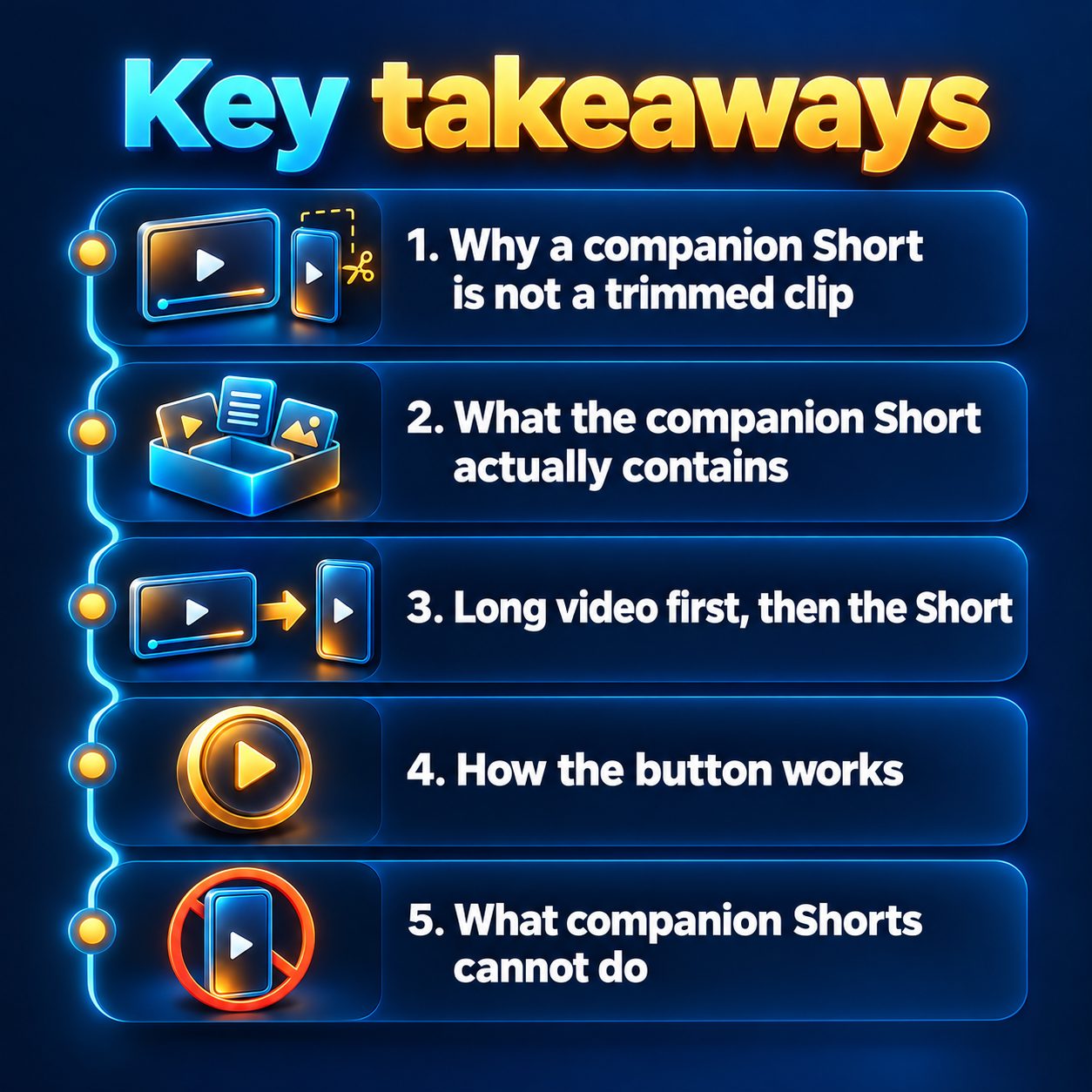
Long video first, then the Short
The "Make a companion Short" button appears on a finished 16:9 video in your projects. So the sequence is always: create the long-form video, review it, and then press the button.
This order is not just a technical requirement. It is the smarter creative flow. Your long video establishes the full argument, the structure, and the depth. The Short then distills the same topic into a tight vertical format knowing exactly what the longer piece covers.
If you are using MaqtAi to create 16:9 videos at two or five minutes, you get the automatic long-form script structure with a hook, themed sections, and a recap. The companion Short draws from that foundation without duplicating it beat for beat.
How the button works
On any completed 16:9 video in your projects page, you will see the "Make a companion Short" button. Press it, and MaqtAi creates a new vertical video on the same topic. It is priced as a normal video, drawing from your credit balance like any other render. The Short appears as a separate project you can review, edit, download, or publish to TikTok, Instagram Reels, YouTube Shorts, or Facebook Reels on whatever schedule suits you.
There is no automatic linking between the two videos on any platform. You choose when and where the Short goes live.
What companion Shorts cannot do
Honesty here saves you credits and frustration.
They do not link directly to the long video. YouTube Shorts links are not tappable, so there is no clickable path from the Short to the original. The Short mentions your channel and invites viewers to find the full version, but the viewer has to navigate there on their own. This is a platform limitation, not a missing feature.
Each Short costs credits. It is a full video render, not a free derivative. Check your credit balance and plan before batching several companion Shorts at once.
They do not replace a real Shorts strategy. A companion Short supports your long-form content, but it is one type of Short. Channels that grow on vertical feeds typically post standalone content too, not only companions to longer pieces.
The button appears on 16:9 videos only. If you created a vertical video, there is no companion Short option. The feature is designed for the long-form to short-form workflow.
And one thing that surprises people: the companion Short may look and feel quite different from the original. New visuals, new pacing, new script. That is intentional. Two videos that look identical feel like spam in someone's feed. Two videos that share a topic but feel distinct give viewers two genuine reasons to watch.
Fitting companion Shorts into your posting week
The real value shows up over weeks, not in a single post. Here is a rhythm that works without burning through your credits.
Post your long-form 16:9 video first. Give it a day to accumulate its initial audience. Then publish the companion Short. The Short reaches a different slice of the algorithm (vertical feeds versus search and suggested), and viewers who find you there may browse your channel and land on the longer piece.
If you are running Autopilot for your main posting cadence, you can still create companion Shorts manually as a supplement. One or two per week, timed a day after each long-form post, keeps your vertical feed active without doubling your workload.
Over time, this builds two entry points for every topic you cover: one for viewers who prefer depth, and one for viewers who scroll vertically. Neither cannibalizes the other because they serve completely different viewing modes.
Start with one you already have
If a finished 16:9 video is sitting in your projects right now, you already have everything you need. Press the button, review the Short it builds, and publish it to see how the pair performs together. No extra filming, no editing timeline, no second script to write by hand.
If you are new and want to try the full loop (long-form video to companion Short), MaqtAi gives you free credits when you verify your email. That is enough to test the workflow without entering a card.
The costly choice is not the credits. It is having finished long videos that could be reaching vertical-feed viewers today and leaving that surface completely empty while you think it over.
Doing this by hand is the part most people quit at. MaqtAi writes the script, narrates it, generates the visuals and captions, and assembles the faceless short for you. Verify your email and you get 450 free credits: about 3 videos on the still-frame tier, or one with AI motion. Free renders carry a watermark.
Try it on your niche freeFrequently asked questions
Does the companion Short reuse the same visuals as the long video? No. MaqtAi generates new visuals, a new script, and a new voiceover for the Short. It shares the topic, not the footage, so both videos feel distinct in a viewer's feed.
Can I edit the companion Short before publishing it? Yes. It appears as a separate project in your workspace. You can review the script, swap scenes, adjust captions, or change the voice before publishing, just like any other video.
Will the companion Short count as a YouTube Short or a regular video? YouTube auto-classifies vertical videos up to three minutes as Shorts. Since the companion Short is vertical, it will appear in the Shorts feed and shelf on your channel automatically.