
Set it up once, then forget the plumbing
Your Google account is the login. Each channel sits under it as a Brand Account, which is just YouTube's word for a channel that is not tied to your personal name.
Sign in, click your profile picture, hit Switch account, then Create a channel. That is the whole flow, and it is documented in YouTube's own help article on creating a channel. Repeat it for the second niche. You will now see a channel switcher in the same menu.
A few things worth doing on day one, because they get annoying later:
- Name each channel for the niche, not for you. "Quiet History" travels further than "Dave's Channel".
- Set the handle, banner, and description while you are in there. Empty channels look abandoned, and viewers check.
- Keep a plain note somewhere listing each channel, its niche, its posting days, and its login quirks. Two channels is easy to hold in your head. Four is not.
Each channel gets its own subscribers, uploads, comments, community tab, and analytics. Nothing bleeds between them from the viewer's side.
Sharing one email does not get you flagged
This is the fear nobody types out loud: one account, one mistake, everything gone.
Here is the honest version. Policy strikes land on the channel that broke the rule. The thing that puts a whole account at risk is repeated abuse across it, and YouTube spells out what counts as abuse in its spam and deceptive practices policies. Running three legitimate channels on different topics is not on that list.
What actually causes trouble is the shortcut people reach for when they run many channels at once: uploading the same file to several channels, or posting near-identical videos over and over to see what sticks. That reads as a spam pattern regardless of how it was made.
And while we are here: no platform down-ranks a video for being AI-made. TikTok, Instagram, and YouTube rank short videos on viewer behavior, which means watch time, completion, likes, and shares. If your video looks realistic and synthetic, disclose it using YouTube's altered-content setting. The label itself does not shrink your reach. Skipping it when it is required can get the video pulled.
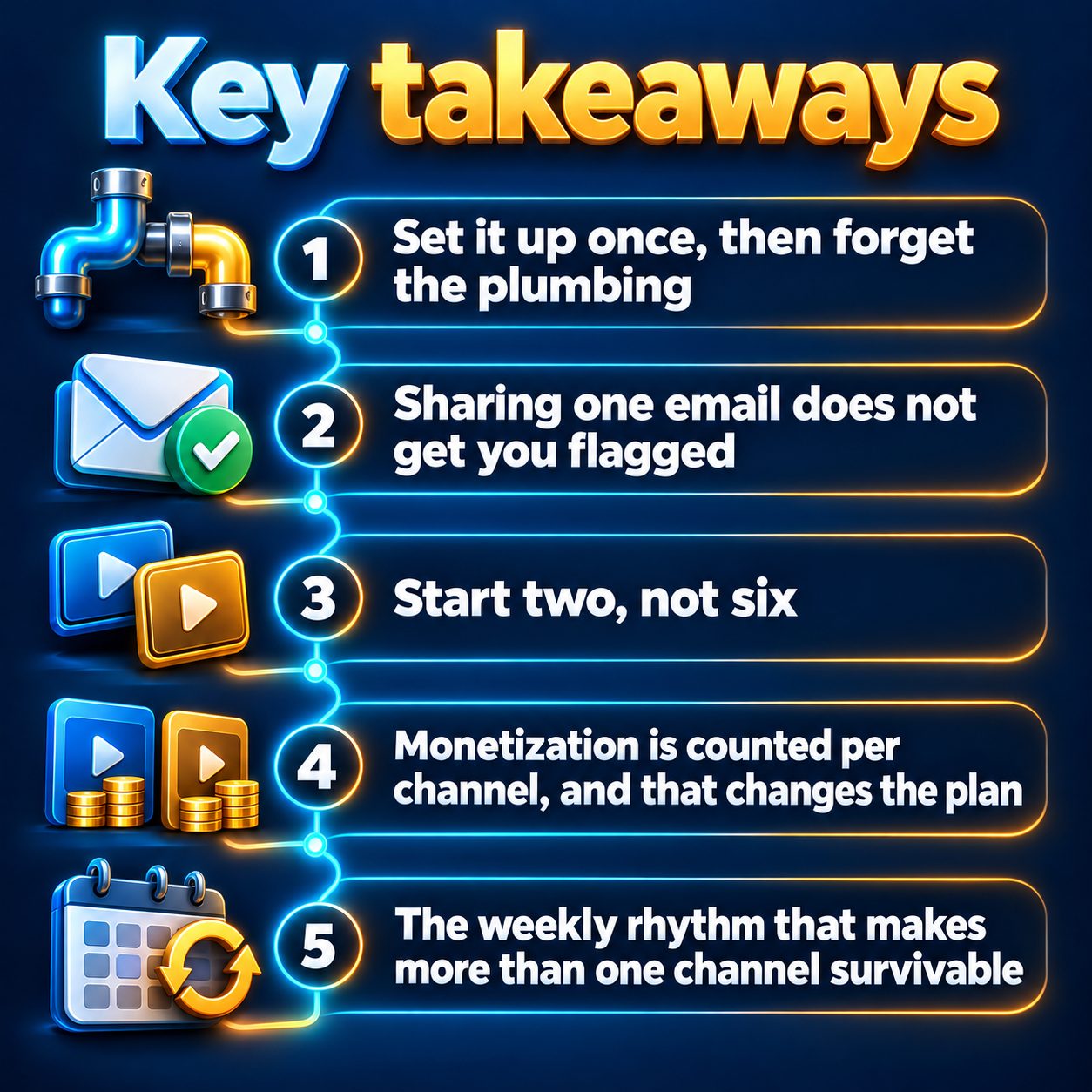
Start two, not six
The portfolio instinct is right and the execution usually is not. People open five channels in a weekend, post three videos to each, and then quietly stop, because five channels means five niches to think in, five comment sections, five sets of hooks.
Start with two, and make them genuinely different genres. A history channel and a scary-story channel ask different things of you, so you learn faster than you would running two motivation channels that blur together. If you are still choosing, browsing the niches other faceless creators run is a faster way to decide than staring at a blank page.
Add the third only after both have run a full month without you missing a post. Channels almost never die from picking the wrong niche. They die from a missed week that turns into a missed month.
Monetization is counted per channel, and that changes the plan
Each channel applies to the YouTube Partner Program on its own. Nothing pools across your account. The thresholds are 1,000 subscribers plus 4,000 valid public watch hours in 12 months, or 1,000 subscribers plus 10 million valid public Shorts views in 90 days, per YouTube's eligibility page.
Read those two paths side by side and the strategy writes itself. The watch-hours path is far more reachable for a small channel than the Shorts-view path. YouTube classifies by shape: vertical or square up to 3 minutes gets treated as a Short, while 16:9 (or anything longer than 3 minutes) is a regular video. So if monetization is the goal, at least one of your channels should be publishing horizontal videos, not only vertical ones.
The other half of that coin: YouTube's inauthentic content rules mean mass-produced, repetitious content does not get monetized. Multiple channels are fine. Multiple channels saying the same thing in the same voice are not. Give each one its own angle, its own narrator, its own point of view.
The weekly rhythm that makes more than one channel survivable
Running several channels works when you stop treating them as several projects and start treating them as one production slot.
Pick one afternoon. In that slot, write topics, not videos: a list of what each channel will cover for the next couple of weeks. Topics are the bottleneck, and they are the part only you can do, because you are the one who knows why your niche is interesting.
Then set a cadence per channel and hold it. Daily on the one you care most about, three times a week on the others, is a sane starting shape. Consistency beats volume, and a channel posting three times a week for months will out-collect data on a channel that posted daily for nine days.
This is where a tool earns its place. MaqtAi's Autopilot renders videos from a topic queue you fill yourself or let it suggest from your niche, on a daily, three-times-weekly, or weekly cadence, and by default every finished video waits for one-tap approval before anything is published. You can connect more than one YouTube channel to a single workspace, and each connected channel shows up as its own choice at publish time. Autopilot needs an active plan, and a platform unlocks for it only after you have published to that platform manually once.
What none of this will do for you
It will not pick a niche people want to watch. It will not save a weak opening three seconds. It will not divide the thinking across channels, because the thinking is the part that does not automate: the angle, the hook, the reason someone stops scrolling.
And if you have not managed to keep one channel going for a month, a second channel is not the fix. Cadence is.
So the honest close. Every week spent deciding is a week your channels collect no data, build no back catalogue, and give the algorithm nothing to work with. Somebody in your niche posted today. The cheapest way out of that loop is to make one video, on one channel, this afternoon, and see whether you actually enjoy the work. Verify your email and you get 450 free credits to do it with, no card, which is enough to find out before you commit to anything. The pricing page shows exactly what each video costs against that balance.
Doing this by hand is the part most people quit at. MaqtAi writes the script, narrates it, generates the visuals and captions, and assembles the faceless short for you. Verify your email and you get 450 free credits: about 3 videos on the still-frame tier, or one with AI motion. Free renders carry a watermark.
Try it on your niche freeFrequently asked questions
Can I let someone else manage one of my channels without sharing my password? Yes. Brand Accounts support adding owners and managers with their own Google logins, so a collaborator can upload and reply to comments without touching your main account.
Will running several channels split my watch time? No. Watch time, subscribers, and monetization eligibility are tracked per channel, so nothing is shared or divided. What gets split is your attention, which is the real reason to start with two.
Can I post the same video to two of my channels? Don't. Identical files across accounts is one of the clearest spam patterns there is. Same topic with a different script, voice, and angle is fine.
Should each channel eventually get its own email? Only if you sell one or hand it over. Brand Accounts already keep the channels separate, and adding owners later is easier than migrating a channel that already has an audience.
Results vary. Nothing here is a guarantee of income.