What a spokesperson video actually is
One person, talking straight to the viewer, on your behalf. That is the whole format. It shows up as the explainer on a homepage, the ad running in a feed, the short clip that answers "what do you people even do", the hiring post, the announcement when your hours change.
It survives because a face makes a claim feel accountable. Text on a screen is a brochure. Somebody saying it out loud is a person you can be annoyed at if it turns out to be untrue. That is the trust mechanism, and it works whether the presenter is a hired actor, you, or a synthetic presenter reading your words.
Two shapes cover almost everything. Vertical for TikTok, Instagram Reels, YouTube Shorts and Facebook Reels. Wide for a website embed or a regular YouTube upload. Decide that first, because it changes how long the script should be.
"My business is too small or too boring for a spokesperson"
This is the objection I hear most, and it is usually backwards. Spokesperson video is not for big brands with a budget. It is for the business where trust is the actual bottleneck: the accountant, the dentist, the local contractor, the two-person software company nobody has heard of. Those are the ones where a customer needs to feel like a human is standing behind the offer.
What it is genuinely bad for: pure entertainment, anything where the visuals are the point, and long explanations of things that deserve a document. If your script is a list of specs, write a page instead.
The practical test is simple. Say your pitch out loud to a friend. If the friend version is clearer than your website version, you want a spokesperson video. If you find yourself opening a spreadsheet to explain, you do not.
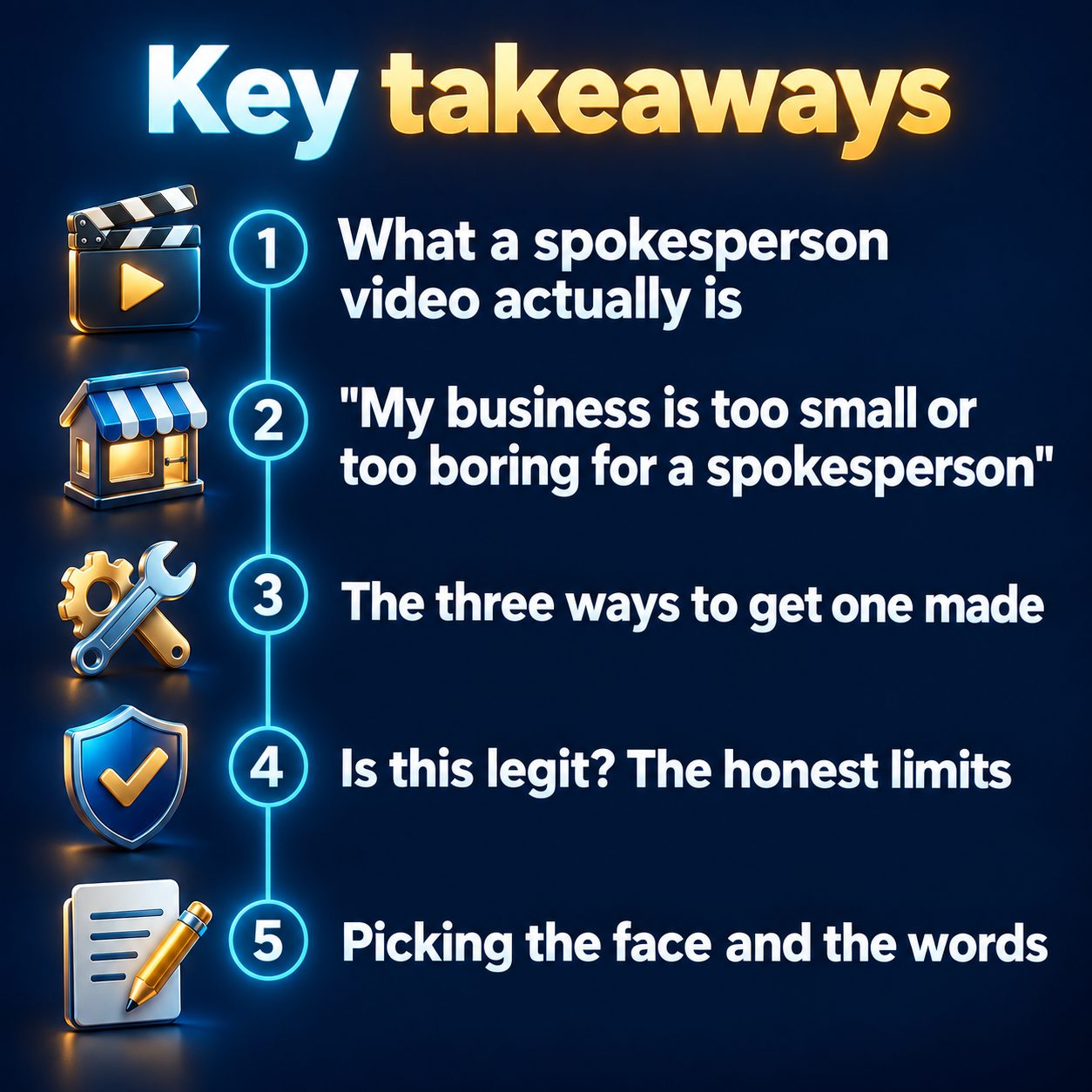
The three ways to get one made
Hire talent. A good on-camera performer sells a line better than anything else on this list. You pay for the person, usually a studio or a decent home setup, and an editor. The real cost is not the invoice, it is that every rewrite means booking the shoot again. Change one sentence next quarter and you are back at the beginning.
Film yourself. Free, and honest, and your face becomes part of the brand, which is a real asset. It also means lighting, retakes, a quiet room, and being willing to appear on the internet forever. Plenty of business owners try this once and never do it again, which is why so many sites still have a single video from years ago.
Use an AI presenter. No filming day, no scheduling, and rewrites are cheap because nothing physical has to happen twice. You give it the words and it renders a lip-synced presenter reading them.
The part that matters for a small business is not which one is best in the abstract. It is which one you will actually do more than once.
Is this legit? The honest limits
Here is the part most pages skip.
Synthetic presenters are close, not flawless. Mouth movement and hands are the hardest parts, and a careful viewer on a big screen may clock it. In a feed, at arm's length, most people do not. If you clone your own likeness, the quality of your inputs is most of the result: a sharp, well-lit, front-facing photo and a calm recording in a quiet room beat any setting you can toggle.
A presenter video is also less flexible after the fact than a normal video. Once the lips are synced to the words, you cannot rewrite the words without re-rendering. Plan the script, not the fixes.
Disclosure: platforms have rules for realistic synthetic media. YouTube asks you to disclose altered or synthetic content and TikTok requires AI-generated content to be labeled. The label itself does not bury your video. Skipping it can get the video removed. Just tick the box.
And the thing nobody types into a search bar: will customers judge me for this? In practice they judge the claim, not the render. What damages you is a presenter saying something that is not true about your business. Nothing else on this page matters more than that.
Picking the face and the words
Start with the words. A spokesperson script that works is roughly: name the problem in the first sentence, say who you are and what you do, give one specific proof (years doing it, the guarantee, the thing you do that others do not), then one clear next step. That is it. Fifteen to thirty seconds for a feed, longer only if the topic earns it.
Then the face. A stock presenter is faster and keeps you off camera. Your own likeness is stronger if you are a local business where people expect to meet you. In MaqtAi you can pick a stock presenter or, on a paid plan, record about twenty-five seconds of guided reading plus a clear photo in Clone Studio to use your own, with explicit consent required, and there is a voice-only mode if you want your voice narrating without your face ever appearing. The presenter can be placed in a described setting or one of the ready-made sets, and a presenter ad can carry your own product photos full screen while the presenter keeps talking, shown exactly as you uploaded them rather than redrawn. The presenter format has a fixed six-scene structure, runs on the standard presenter engine, and is written from the product facts you enter, so it only claims what you wrote; you pick 30, 60 or 120 seconds. You can see the rest of the feature set on the features page.
One warning worth repeating: if you leave the product fields empty on purpose, you get a presenter talking about a topic instead of an ad. That is often the better first video for a service business.
Get the first one out this week
Do not plan a campaign. Make one video, about one thing you say to customers constantly, and put it where people already look at you: your homepage, your Google listing, one feed.
Waiting has a cost that is easy to miss because it is invisible. The prospect who landed on your site today made a decision about whether you look real, with nothing but text to go on. That happens again tomorrow. Meanwhile the competitor down the road posts a clumsy phone video every week and slowly becomes the one people recognize.
The smallest useful step is one script and one render. Verifying your email on MaqtAi gives you 450 free credits, no card, which is about three or four videos on the still-frame Express tier, or one with AI motion, and every free render is watermarked and has no talking presenter, enough to see whether the format fits your business before you spend anything. A talking-presenter video needs a paid plan. Credit costs per video and what each plan includes are on the pricing page.
Doing this by hand is the part most people quit at. MaqtAi writes the script, narrates it, generates the visuals and captions, and assembles the faceless short for you. Verify your email and you get 450 free credits: about 3 videos on the still-frame tier, or one with AI motion. Free renders carry a watermark.
Try it on your niche freeFrequently asked questions
Do I have to say the presenter is AI? If the presenter looks like a real person, yes, use the platform's synthetic media disclosure. It is a checkbox at upload and it does not reduce your distribution. Skipping it is what creates risk.
Can I use my own face and voice instead of a stock presenter? Yes, on a paid plan. Clone Studio clones your voice from a short guided recording and uses a clear head-and-shoulders photo for your face, with explicit consent, and making the clone itself costs no credits. It is labeled Beta, so the likeness is close rather than perfect. There is also a voice-only option with no photo.
Can I edit a presenter video after it renders? Yes, on a paid plan, where text, voice, music and caption edits cost no credits for 7 days after the render. Changing the spoken words or the voice would desync the presenter's lips, so rewrites mean a fresh render. Write the script carefully before you launch.
Will an AI spokesperson video get less reach than a filmed one? No platform down-ranks a video for being AI-made. Feeds rank on watch time, completion and shares. What does hurt is a weak opening few seconds, near-duplicate posting across accounts, or a missing disclosure label.