Meet the scenario: a neighborhood bakery with no time to film
Imagine you run a small bakery. You sell custom cakes, pastries for events, and a weekly bread subscription. Your Instagram has a few hundred followers, mostly friends and past customers. You have seen competitor brands posting short talking-head videos where someone holds a product, speaks to camera, and drives orders. You want that energy for your business. But you are elbow-deep in dough by 5 AM, and the last thing you have energy for is setting up a ring light after closing.
This is the exact situation where an AI presenter channel makes sense. No filming, no hiring a content creator, no learning editing software. Here is how you would build it, week by week.
Week one: set up your channels and nail your brand signal
Days 1-2: Create your accounts. If you do not already have them, set up a TikTok account, an Instagram Business or Creator account (personal accounts cannot publish via the API), and a YouTube channel for your bakery. Free. Takes minutes.
Days 3-4: Write down your brand signal. Before you touch any video tool, get clear on three things: who your customer is (local families, event planners, bread lovers), what problems you solve (custom cakes without the premium bakery markup, fresh bread delivered weekly), and your content pillars (cake design inspiration, ordering tips, baking behind the scenes). This clarity shapes every script the AI writes for you later.
Days 5-7: Make your first presenter ad. Using an AI presenter workflow, you enter your product name, a few selling points ("custom birthday cakes, order 48 hours ahead"), and pick a stock presenter. The tool writes a six-scene script, generates a lip-synced talking presenter in a setting you choose (a modern kitchen, a bright studio), and assembles a vertical video ready for posting. You review the six lines, tweak anything that feels off, and render. The whole process takes a few minutes, not hours. Note that the talking presenter is off on free accounts, so a presenter ad needs a paid plan.
Your first video will feel strange. That is completely normal. The goal is not perfection. It is learning the process while your competitors are still "thinking about maybe hiring someone."
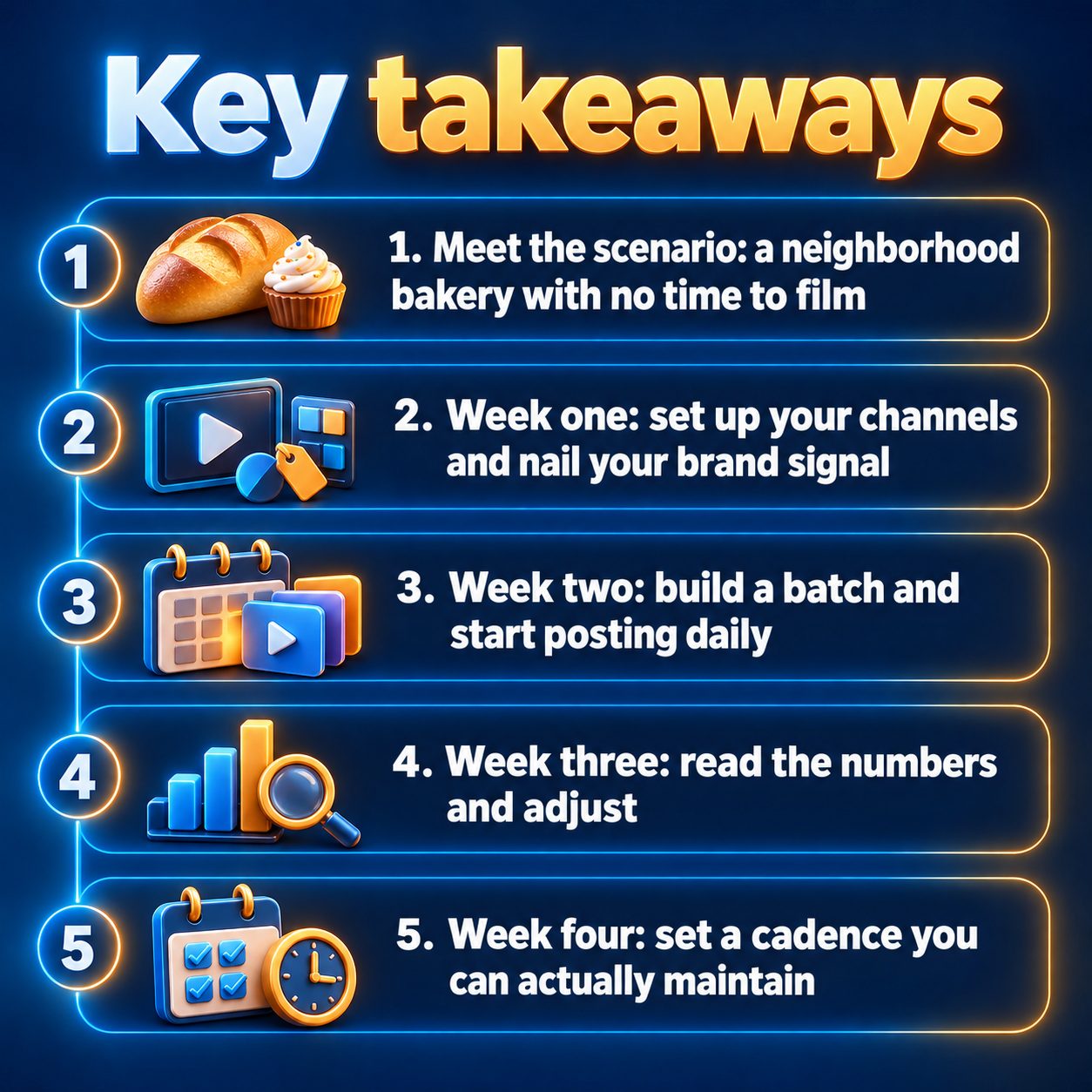
Week two: build a batch and start posting daily
Now that you know the workflow, create three to five videos across different angles:
- Product spotlight. "Three reasons our red velvet cake sells out every Friday."
- Objection buster. "Think custom cakes cost a fortune? Here is what ours actually run."
- Seasonal hook. "Planning a summer birthday? Order by Wednesday, pick up Saturday."
- Behind the scenes. "What happens at 4 AM in a bakery that bakes everything from scratch."
Post one per day across your connected channels. On TikTok, videos publish directly and publicly, and you pick a visibility level before posting; sending a draft to your TikTok inbox is an option, not the normal route. Instagram Reels requires a Business or Creator account linked to a Facebook Page. YouTube Shorts publishes directly. Connecting a social account and publishing to any platform require an active subscription.
Keep each video focused on a single message. Short-form ads work because they answer one question or remove one hesitation in under a minute.
One detail worth knowing: you can upload up to six of your own product photos as showcase images. They display full-screen, exactly as uploaded, while the AI presenter keeps talking. This hybrid of real product shots plus AI presenter gets you close to traditional UGC without anyone ever holding a camera.
Week three: read the numbers and adjust
After a week of posting, check your analytics. Look at two things:
- Which video got the most complete views? That tells you which angle resonated with your audience.
- Which video lost viewers in the opening seconds? Your hook probably needs reworking.
Do not spiral if the numbers feel small. Organic reach on a brand-new account is modest by definition. The useful question is relative: which of your videos performed best compared to the others, and why?
Based on what you find, make two or three new videos that lean into the winning angle. If the objection buster outperformed the product spotlight, make more videos addressing common customer hesitations. Let the data steer the content, not your gut.
Week four: set a cadence you can actually maintain
By now you have posted roughly a dozen videos and have a feel for what works. The real question arrives: can you keep going?
This is where most small businesses quietly quit. Posting felt exciting at first and started feeling like a chore by week three. The fix is automation, not willpower.
MaqtAi's Autopilot lets you load a topic queue (up to 20 topics), pick a cadence (daily, three times a week, or weekly), and the system renders videos on schedule. Autopilot needs an active subscription, and it unlocks a channel only after you publish to that channel manually once. By default, every finished video waits for your one-tap approval before anything publishes. Nothing goes live without your say-so unless you explicitly turn on automatic publishing. TikTok destinations always wait in the approval queue, because Autopilot cannot post to TikTok automatically yet.
For a bakery, three videos a week is a realistic, sustainable rhythm. Load your topic queue on Sunday evening, or hit "Suggest topics" and let Autopilot write a batch from your niche and brand signal. Approve renders as they arrive during the week. Your channels stay consistently active without you writing scripts every morning before sunrise.
What AI presenter ads honestly cannot do
Your skepticism is healthy. Here is what this approach does not solve.
The presenter is still AI. Stock presenters and clones look realistic and are improving, but Clone Studio is in beta. Mouth movement and hands are the hardest parts. A sharp, well-lit photo and a calm voice recording improve clone quality significantly, but do not expect a flawless digital twin today.
You still need real product facts. The AI writes the script from what you supply. Vague inputs produce vague ads. The time you spend writing clear, honest selling points compounds across every video.
Platforms may require disclosure. If your presenter looks like a real person, YouTube's synthetic content policy requires a disclosure label. The label itself does not reduce distribution, but skipping it risks removal. TikTok has similar rules. Label it and move on.
Posting is not a growth guarantee. You still need a good product, clear pricing, and an easy way for customers to buy. Videos put your message where people scroll. They do not fix a weak offer.
Your real competition is not other bakeries with cameras
The expensive choice here is not picking a tool. It is another month of silence on platforms where your customers already spend their time. Every week without content is a week the algorithm learns nothing about your audience and a week a competitor with a phone and a ring light shows up instead.
You do not need filming equipment or an influencer budget. You need your product knowledge turned into short videos that land where people scroll.
MaqtAi gives you 450 free credits when you verify your email, enough for about three to four videos on the still-frame Express tier, which is the default on a free account and renders with a watermark and no talking presenter. With AI motion switched on, a single video costs about 443 credits, so those credits buy one. That is your test batch: a product spotlight, an objection buster, and a seasonal hook. Make all three in an afternoon. Watch what they look like. That is your week one, and it costs nothing but your time, publishing, Autopilot and Clone Studio all need a paid plan.
Winning ad creative is a volume game. MaqtAi turns a product photo or link into UGC-style presenter ads, with the script, presenter, and captions handled for you, ready for TikTok or Reels. Presenter ads use the talking presenter, which is on the paid plans. Verify your email for 450 free credits and start with faceless videos, no card needed.
Start freeFrequently asked questions
Can I use my own face and voice instead of a stock presenter? Yes, on a paid plan. Clone Studio lets you record about 25 seconds of speech and upload a head-and-shoulders photo to create a digital presenter that looks and sounds like you; making the clone itself costs no credits. Voice-only clones are also available if you want your voice narrating without your face on screen.
Do I need separate channels for ads and regular content? Not necessarily. Many small businesses mix product ads and helpful content on the same account. If you want full separation, you can connect multiple accounts on the same platform and choose which channel each video posts to.
Will AI-made videos get less reach than filmed ones? No platform down-ranks a video because AI made it. TikTok, Instagram, YouTube, and Facebook rank shorts by viewer behavior (watch time, completion, shares), not production method. What hurts reach: weak opening hooks, near-duplicate content across many accounts, or skipping required AI-disclosure labels.
How do credits work for presenter ads? Presenter ads use a fixed six-scene format rendered on the standard presenter engine, with a length pick of 30, 60 or 120 seconds and no quality tier. The exact credit cost is shown before you press render, and if a render fails, credits are returned to your balance automatically. New accounts start with 450 free credits after email verification.
Results vary by product, market, and execution. Nothing in this article guarantees sales, views, or income.