
Is the second channel actually a good idea?
A second channel earns its place when you keep having ideas your current subscribers did not sign up for. Your stoic motivation audience does not want scary stories in their feed. Different audience, different watch behavior, different search demand. Splitting them is correct.
A second channel is a bad idea when it is an escape hatch. If channel one is flat because the hooks are weak or the niche is too broad, channel two inherits both problems and now you get to be disappointed twice. Fix the first one or admit it was the wrong niche and replace it. Do not stack.
The honest test: can you name who watches channel two and what they are watching instead right now? If yes, build it. If the answer is "people who like interesting stuff," you have a hobby, not a channel.
Set it up so the second channel costs a login, not an evening
One Google account can hold several YouTube channels, created from your account switcher (YouTube Help). No second email, no second browser profile.
On the MaqtAi side, Integrations lets you link more than one channel on the same platform. Once the first YouTube channel is connected, the Connect button reads "Add another channel," and each channel appears as its own row. When you publish, every connected channel is a separate checkbox, so you pick where each video goes. If you want the two worlds kept strictly apart, use a separate workspace for each instead. Either way, see the feature tour for how the connections and scheduling fit together.
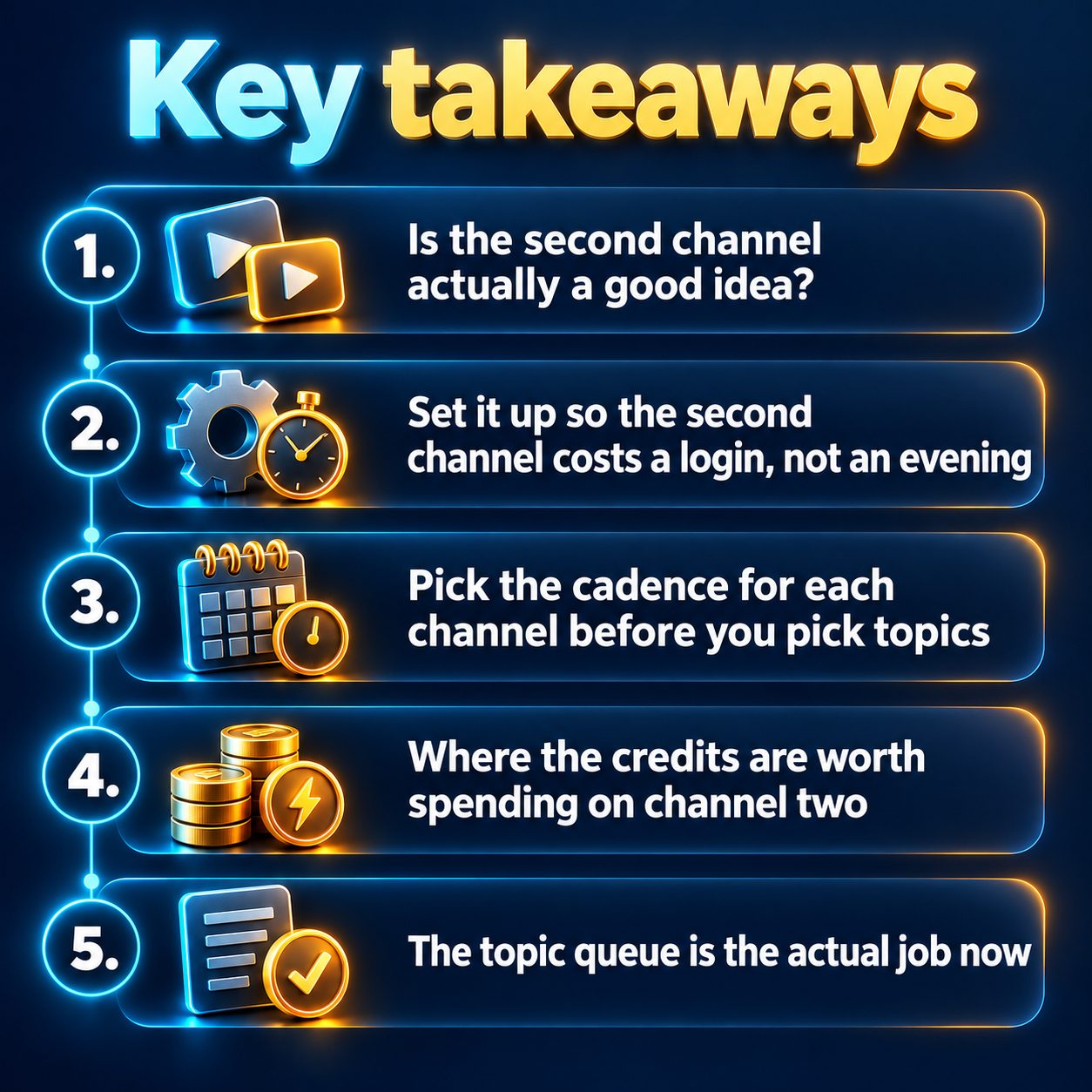
Pick the cadence for each channel before you pick topics
This is the decision that determines whether you still have two channels in two months, and almost everyone gets it wrong by making the cadences equal.
Autopilot runs on daily, three times a week, or weekly. Make them asymmetric. The proven channel keeps the pace it already survives. The new one starts at three times a week, because a new channel's job is to accumulate enough videos for the algorithm to figure out who to show them to, not to exhaust you in month one. You can raise it later; nobody ever regrets starting slower than they could.
A few settings worth thinking about rather than clicking past: your plan sets a weekly ceiling on autopilot videos and you choose your own cap under it, and that limit is rolling, so it frees up as the week's runs age out. You can set a posting window with a start and end hour. Visibility is per video: public, unlisted, or private. And a platform only unlocks for autopilot after you have published to it manually once, so do one manual upload on the new channel first.
Where the credits are worth spending on channel two
Two real choices here, and they are not the same for both channels.
First, shape. In the wizard's Length and aspect step, vertical up to 3 minutes becomes a Short, 16:9 becomes a regular video. That choice quietly picks your monetization path: the Partner Program's long-form route asks for 1,000 subscribers plus 4,000 valid public watch hours in 12 months, while the Shorts route asks for 10 million Shorts views in 90 days (YouTube Help). If channel two is your patient bet, 16:9 at 2m or 5m gets an automatic long-form structure with a hook, themed sections, and a recap. Finished 16:9 videos also have a "Make a companion Short" button that builds a separate standalone vertical video on the same topic, which is how one topic feeds both surfaces without becoming a teaser clip.
Second, quality tier. The tiers decide how per-scene motion is generated, and each tile shows its real credit cost before you launch. Premium and Full Cinematic mainly pay off on realistic, people-heavy footage. If channel two is anime, comic, watercolor, or pixel art, Standard or Cinematic Opener looks close to identical, so run the new channel cheap while you learn whether anyone wants it. The credit and tier breakdown is worth two minutes before you commit a month of renders.
The topic queue is the actual job now
Autopilot renders from a topic queue: one topic per line, up to 20 at a time, rendered oldest first, each passing a content check before it enters, and a Suggest topics button can write a batch from your niche. That queue is your whole weekly workload for a channel.
So run it like a workload. One sitting, one channel at a time, fill the queue, close the laptop. Keep the queues genuinely separate; posting the same file to two channels is a spam pattern platforms do notice, and it is the fastest way to make two channels perform worse than one. Two channels, two topic lists, two voices.
Leave the approval queue on for the new channel. By default every finished video waits for one tap, Approve and publish or Reject, and nothing goes out without it. That is your quality control while you are still calibrating the niche. On the channel you already trust, switch "Publish automatically" on and let it run inside safe daily platform limits. Videos that fail the quality gate are held back either way.
What this will not do, plainly
Autopilot removes the filming, editing, and uploading. It does not remove the thinking. It will not choose your niche, it will not tell you what is trending (there is no trending-topic suggester), and it cannot make a weak hook land. Every autopilot video costs normal credits, and it needs an active plan. It self-pauses when the queue runs empty, after repeated render problems, or when topics keep getting held back, which is a feature, not a fault. Nothing broken gets published.
Also worth saying: YouTube's inauthentic-content policy targets mass-produced repetitious content, so two channels grinding out interchangeable videos is exactly the shape you want to avoid. And if your first channel is still searching for its footing, skip all of this. Get one channel working before you automate two. Browsing the niches other people run is a better use of your next hour than setting up a schedule for a channel you have not defined.
The cost of thinking about it for another month
A second channel is mostly a data problem. Every week it does not exist is a week of watch-time signals not accumulating, a week of the algorithm not learning who your videos are for, and a week someone in that niche posted daily while you decided. That gap does not close later; you just start further behind.
So do the smallest version. Name the niche, write ten topic lines, and make one video for it. New accounts that verify their email get 450 free credits, no card, which is enough to see a watermarked still-frame render and decide whether the second channel is real or was just a mood.
Doing this by hand is the part most people quit at. MaqtAi writes the script, narrates it, generates the visuals and captions, and assembles the faceless short for you. Verify your email and you get 450 free credits: about 3 videos on the still-frame tier, or one with AI motion. Free renders carry a watermark.
Try it on your niche freeFrequently asked questions
Can I connect two YouTube channels to the same account? Yes. On the Integrations page the Connect button reads "Add another channel" once one is linked, and each channel appears as its own row and its own choice at publish time. Use separate workspaces if you want the channels fully isolated.
Will running two AI-assisted channels hurt my reach? No platform down-ranks a video for being AI-made; shorts are ranked on watch time, completion, and shares. What does hurt is near-duplicate posting across accounts, weak opening seconds, and skipping a platform's AI-disclosure rule for realistic synthetic media.
How much time does the second channel really take each week? One planning session to fill a topic queue of up to 20 lines, plus a minute of tapping Approve on finished videos if you keep the approval queue on. The rendering, captions, and publishing run without you.
What happens when a render fails or a video is held back? Failed renders return their credits to your balance automatically and can be retried from the project page. Held-back videos were stopped by the quality gate or content check and are never published; you can still review them.
Results vary. Nothing here is a guarantee of income, and monetization depends on the platform's own rules and your channel's performance.