
Why the second channel usually kills the first
A second channel is not twice the videos. It's twice the decisions. Every channel costs you a niche call, a topic list, a voice, a caption style, a posting slot, and a nagging sense that you should be checking on it. Videos are cheap now. Decisions are what run out on a Tuesday night.
The operators who keep three channels alive are not working three times harder. They made one set of decisions and copied it. Same aspect ratio, same review habit, same day of the week they sit down and refill topics. Only the niche and the narrator change.
So here's the rule worth stealing: don't start channel two until channel one runs without you inventing anything new. That usually means you have a topic list you can extend in ten minutes and you know the hook shape that works for that niche. If channel one still needs a fresh idea from you every single day, a second channel just doubles the thing that's already breaking.
Pick niches that share a workflow, not an audience
Counterintuitive part: your channels should target different audiences, or they compete with each other, but they should have the same production shape, or you can't batch them.
Narration-over-visuals niches batch beautifully together. History, stoic motivation, true crime, scary stories, dark psychology, startup stories: different viewers, identical workflow. You pick a topic, you get a hook-first script, a voice, visuals with motion, animated captions. Three channels, one mental mode.
What does not batch: mixing a faceless story channel with presenter-style ad work in the same session. Those are different jobs with different review standards. Same for illustrated formats like Business Parable, which render as a fixed seven-scene comic style, so quality tiers and length pickers don't apply there at all. That's fine, it's just a different lane. Group your channels by lane and you can do all of them in one sitting. MaqtAi's wizard picker offers 19 faceless niches, and the use cases page shows 15 of them if you want to see which ones sit in the same lane.
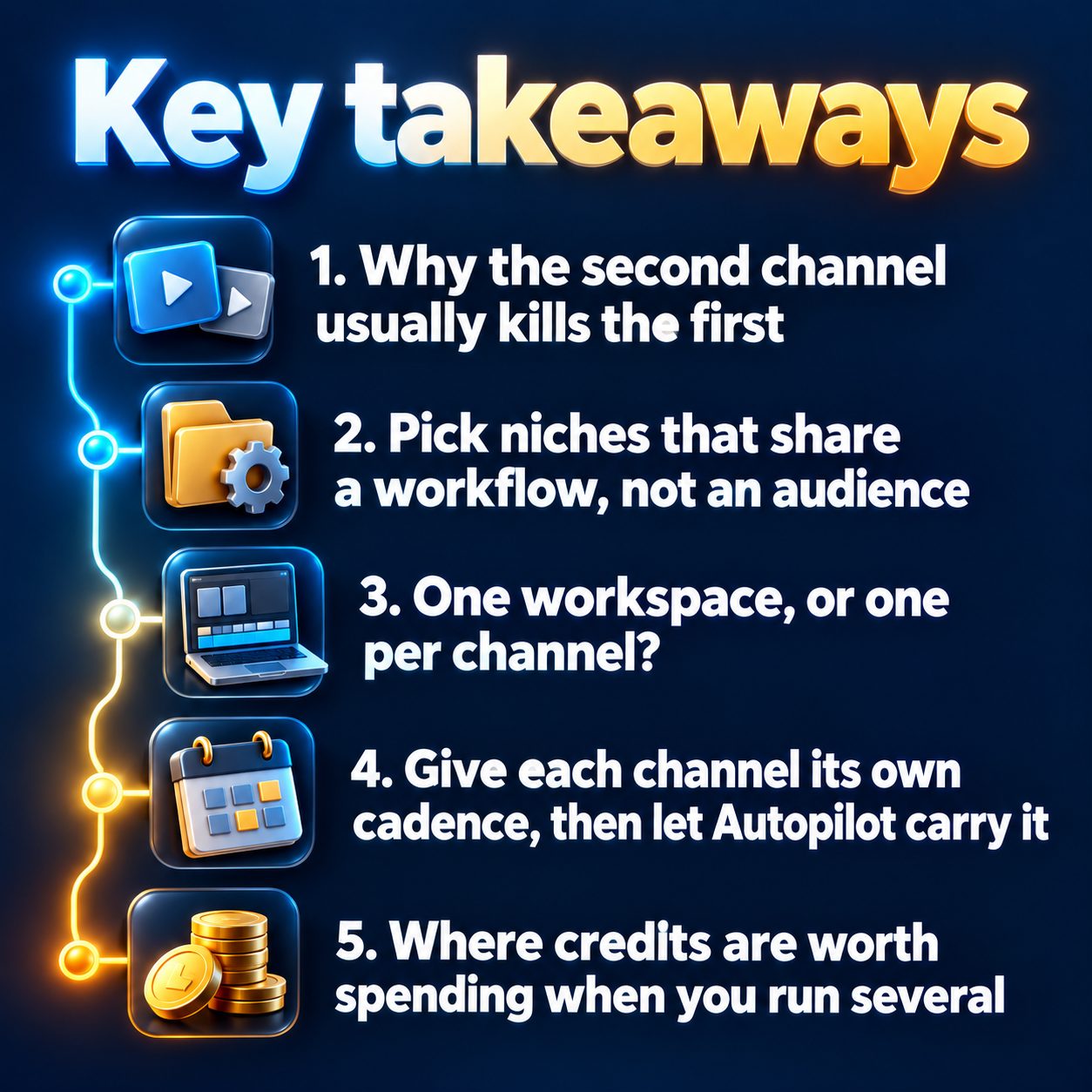
One workspace, or one per channel?
You can link more than one channel on the same platform inside a single workspace. Once one YouTube channel is connected, the Connect button reads "Add another channel", and each channel shows up as its own row. When you publish, every connected channel appears as a separate choice, so you pick which one gets the video, or post to several at once.
Use one workspace when all the channels are yours and you're the only one touching them. Folders are workspace-wide, so make one folder per channel and your Projects page stays readable. Use a separate workspace when a channel belongs to a client, or when you want zero chance of posting the wrong video to the wrong place.
Two platform realities worth knowing before you plan a multi-channel week: TikTok publishes directly and publicly, and you pick a visibility level before posting (sending a draft to your TikTok inbox is there as an option, not the normal route). Instagram Reels needs a Business or Creator account linked to a Facebook Page. YouTube Shorts publishes directly, any channel. And yes, YouTube itself lets you create additional channels under one account.
Give each channel its own cadence, then let Autopilot carry it
This is the part that makes parallel channels survivable. Autopilot renders videos from a topic queue you manage, on a cadence you set: daily, three times a week, or weekly. You can set a posting window and the visibility per video. Your plan sets a weekly ceiling and you pick your own cap under it, and that limit is rolling, so it frees up as the week's runs age out. Autopilot needs an active subscription, as does connecting a social account or publishing anywhere.
Practically, for a multi-channel operator:
- Don't put every channel on daily. Give daily to the channel that's already working and three times a week to the newer ones. You are budgeting one weekly ceiling across all of them.
- Refill queues on one day. The queue takes one topic per line, up to twenty at a time, rendered oldest first. Twenty lines per channel is a coffee's worth of work, and a "Suggest topics" button will write a batch from your niche and brand signal if you'd rather not type them, with an AI-niche mode that refills the queue on its own.
- Leave approval on for anything new. By default every finished video waits for a one-tap Approve and publish, and nothing goes out without it. Turn on automatic publishing only for the channel whose output you've stopped second-guessing.
- A platform unlocks for Autopilot only after you've published to it manually once, so do that first or you'll see a padlock. TikTok destinations always wait in the approval queue, because Autopilot can't post there automatically yet.
If the queue empties, Autopilot pauses itself rather than inventing filler. That's the behaviour you want when you're watching three channels.
Where credits are worth spending when you run several
Spreading the same budget over more channels means being honest about where quality actually shows. The quality tiers decide how per-scene motion is generated, and each tile shows its real credit cost before you launch. Premium motion mainly pays off on realistic, people-heavy footage. Stylized art (anime, watercolor, comic, pixel) looks close to identical on Standard, so a comic-story channel has no reason to run on the top tier. Put the expensive motion where the eye can tell.
The other lever most operators miss: language versions. A finished picture-and-motion video can be regenerated with the same visuals and a new voiceover plus captions in another language, at one all-in price shown on the button before anything is charged, and regenerating a language you already own costs much less. It needs an active subscription, like Clone Studio does. If you want a second channel without a second content strategy, that's the cheapest honest version of it. The pricing page has the current numbers and the free starting credits.
What this will not do for you
It will not pick your niche, and it will not tell you whether your hook works. It does not make channels grow because they exist. Views come from the niche, the first two seconds, and the fact that you kept posting.
It also will not protect you from the one mistake that genuinely hurts multi-channel operators: posting the same file to several accounts. No platform down-ranks a video for being AI-made, but near-duplicate mass posting is a spam pattern, and YouTube's inauthentic content policy demonetizes mass-produced repetitious content. Different niche, different script, different video, every time. And if you're aiming at monetization, the long-form Partner Program path is a different game from the Shorts one, so decide per channel.
Who should skip all of this: anyone without one channel already posting on a schedule. Running several is a way to fail at three things at once if the first one isn't stable.
Start with two, and start this week
Waiting has a real cost and it isn't dramatic. It's just that your channel collects no data while you plan, the algorithm learns nothing about who to show you to, and someone in your niche posts again tomorrow. The gap compounds quietly.
So don't build the empire today. Build one video, on one niche, and see whether you actually like the output enough to do it fifty more times. Verifying your email gets you 450 free credits, no card, which is three or four watermarked still-frame videos, or one with AI motion on, enough to find that out this afternoon, in a few minutes per render. If you like it, the second channel is a copy of a decision you already made.
Doing this by hand is the part most people quit at. MaqtAi writes the script, narrates it, generates the visuals and captions, and assembles the faceless short for you. Verify your email and you get 450 free credits: about 3 videos on the still-frame tier, or one with AI motion. Free renders carry a watermark.
Try it on your niche freeFrequently asked questions
Can I connect two YouTube channels to the same account? Yes, on a paid plan. Once one channel is linked, the Connect button reads "Add another channel" and each channel appears as its own row, showing up as a separate choice when you publish.
Will running several channels get me flagged as spam? Not for using AI. What platforms act on is identical or near-duplicate files posted across multiple accounts, so give every channel its own topics, script, and video.
Does Autopilot publish things I haven't seen? Only if you turn that on. By default every finished video waits in an approval queue for a one-tap approve or reject, and nothing publishes without it.
How many channels can I realistically handle? Start with two and add a third only when the first two need no new decisions from you week to week. Your plan's weekly Autopilot ceiling is shared across all of them, so split it deliberately.
Results vary. Nothing here is a guarantee of income.