Polish comes from clarity, not from the camera
When you watch a short ad and it feels "professional," you are almost never reacting to lens quality. You are reacting to the fact that the video knows what it wants to say: a first line that grabs you, a clean well framed shot, a pace that never sags, clear audio, and on screen text because half your viewers are scrolling with the sound off.
Every one of those is a decision, not a piece of equipment. The owner of a small cafe can make a clearer video than a company with a full production crew, because the company talks about itself while he talks about the customer. The objection running through your head right now is probably "my product is different, this will not work for it." The opposite is true. The more specific and local your product is, the easier it is to write an opening line that speaks directly to the person who actually needs it.
Write your product facts before you open any tool
This is the step that separates a convincing ad from generic filler nobody remembers. Sit down for ten minutes and write four lines, nothing more:
- Who exactly is the buyer? Not "everyone." Something like: moms in the neighborhood looking for a fast, healthy meal.
- What pain are they living with today? In their words, not your marketing words.
- What actually makes your product different? One or two things, concrete and believable.
- What do you want them to do after watching? Visit the shop, send a message, order from the link.
Keep those four lines. Any script generation tool writes the ad from the product facts you feed it, and it will not claim anything you did not write yourself. Leave the fields blank and you get a video that talks around the topic with no sales arc at all, which is sometimes fine for top of funnel content but is not an ad.
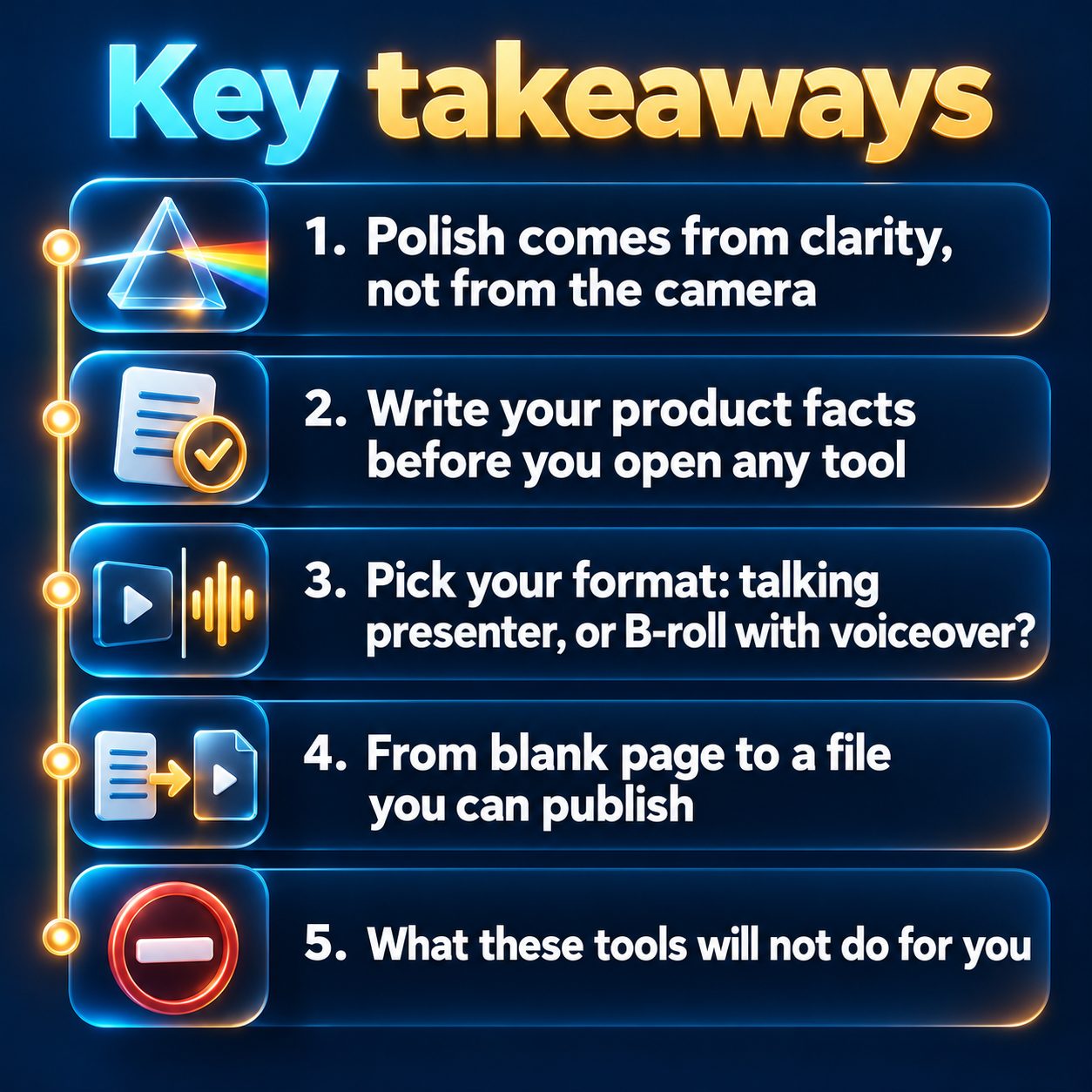
Pick your format: talking presenter, or B-roll with voiceover?
Two paths, both legitimate:
Presenter ad (UGC style). A person appears on screen and talks about the product the way a friend recommends something, with lip sync. This format fits products that need trust: a service, a course, a restaurant, a clinic, an app. In MaqtAi this format comes with a fixed six scene structure, renders on the standard presenter engine, needs a paid plan, and you can upload up to six product photos that appear full screen while the presenter keeps talking, in the order you uploaded them and exactly as they are, with no repainting. Shorter videos automatically show fewer photos, and the hook and the call to action always stay on the presenter's face. You can pick a ready made presenter, and the options include Middle Eastern and hijabi faces.
B-roll video with voiceover. No face. Moving visuals matched to the topic, plus a voiceover and synced captions. This fits products that are understood by looking at them: handmade goods, real estate, clothing, beauty, or explaining an idea before you name the product at all.
The simple rule: if the customer's main objection is "can I trust you?", go with the presenter. If it is "what even is this thing?", go with B-roll. You can browse content styles and use cases to see which one sits closest to your niche.
From blank page to a file you can publish
The practical path is roughly the same in every tool. Here is how it runs in MaqtAi:
- Topic and language. Type your ad topic and pick the voiceover language from the selector. The list covers 59 languages, and the language setting controls the script, the voice, and the captions together. Change it before you generate the script.
- Format and length. For vertical, pick 9:16. Presenter ads do not ask you for a quality tier, because the structure is fixed, but you do pick 30, 60, or 120 seconds.
- Script. If you write your own script and never hit generate, it gets used verbatim. If you want help, generate it and then rewrite the lines that do not sound like you.
- Voice, music, and captions. Ten voices with a preview button, and adjustable speaking speed. In the fixed formats, leaving the music field untouched gives you a clean voiceover with no background bed, and that is on purpose.
- Review and launch. Nothing gets generated and nothing gets deducted from your credit balance until you hit launch. The finished video usually comes out in a few minutes.
If you want to be the face of your own brand without filming over and over, you can create a cloned version of your voice and likeness through Clone Studio on a paid plan: a short guided recording of about 25 seconds plus a clear head and shoulders photo, with explicit consent. Full step by step details are in how it works.
What these tools will not do for you
I have to be blunt here, because this part is what makes the rest of the article worth believing.
A tool will not fix a weak offer. If the price makes no sense or the promise is vague, you will get a good looking video that does not convince anyone. It also will not invent features for you. The ad only claims what you wrote in the product facts, and that is your legal and ethical responsibility.
Cloning in MaqtAi is still in Beta. The likeness gets close but it is not perfect, and mouth and hand movement are the hardest parts. The quality of your own photo and recording makes the biggest difference: a well lit front facing photo and clean audio recorded in a quiet room. Presenter videos also only accept music and caption edits, because changing the script or the voice breaks lip sync, and for the same reason you cannot generate versions of them in other languages. On the free plan, the talking presenter is a paid feature, still frames are the default, and every video carries a watermark.
And finally: one video builds nothing. Ads improve through repetition and observation, not one big swing.
Publishing, and the "does AI hurt my reach?" question
No platform demotes a video simply because AI made it. TikTok, Instagram, YouTube, and Facebook rank short clips on viewer behavior: watch time, completion, likes, shares. What actually hurts you is spam patterns, like uploading identical files across many accounts, a flat hook, or ignoring the disclosure rule for realistic synthetic content.
Practically speaking: on YouTube, a vertical video up to three minutes is classified as a Short automatically, and 16:9 is classified as a regular video. Publishing to TikTok posts directly and publicly, with a visibility level you pick before posting, and sending a draft to your TikTok inbox instead is an option. Instagram Reels needs a Business or Creator account linked to a Facebook Page, and Facebook Reels posts to a Page you manage, not to your personal account. Scheduling, auto publishing, and synced captions are covered on the features page. All publishing, including connecting a social account, needs an active subscription, and Autopilot cannot post to TikTok automatically yet, so a TikTok destination waits in the approval queue.
The one thing waiting actually costs you
Your competitor down the street is not waiting for a perfect schedule or better gear. He posts a clip this week, learns which opening line stops the thumb, then repeats what worked. You keep postponing until you are "ready," and every week of postponing is a week where no data accumulates and nobody gets used to your product's name.
The small step today is not a full campaign. Write the four lines about your product, pick one format, produce one video, and watch it back. Confirming your email in MaqtAi gets you 450 free credits with no card, which covers about three or four videos on the still frame (Express) tier, or a single one with AI motion, before you pay anything. Credit and plan details are on the pricing page. After that first clip you will know from experience what needs fixing, and no amount of extra planning was ever going to give you that.
Winning ad creative is a volume game. MaqtAi turns a product photo or link into UGC-style presenter ads, with the script, presenter, and captions handled for you, ready for TikTok or Reels. Presenter ads use the talking presenter, which is on the paid plans. Verify your email for 450 free credits and start with faceless videos, no card needed.
Start freeFAQ
Do I need editing or filming experience? No. You write your product facts and pick the format, the voice, and the language. The tool handles the script, the voiceover, the visuals, the captions, and the assembly into a finished vertical video.
Can I use the video in paid ads and on my business channels? Yes. The videos you produce are yours, and you can publish them and use them commercially on your channels.
Can the tool show my real product photos? Yes, in presenter ads. You can upload up to six photos that appear full screen exactly as you uploaded them over a blurred background, with no repainting, while the presenter keeps talking.
What if I do not like the video after it is produced? Editing needs a paid plan, where script, voice, music, and caption edits are free for 7 days after the render. Regenerating visual scenes costs the usual per scene credits, and the cost is shown before it is applied. Presenter videos only accept music and caption edits.