Your real photos do what AI-generated visuals cannot
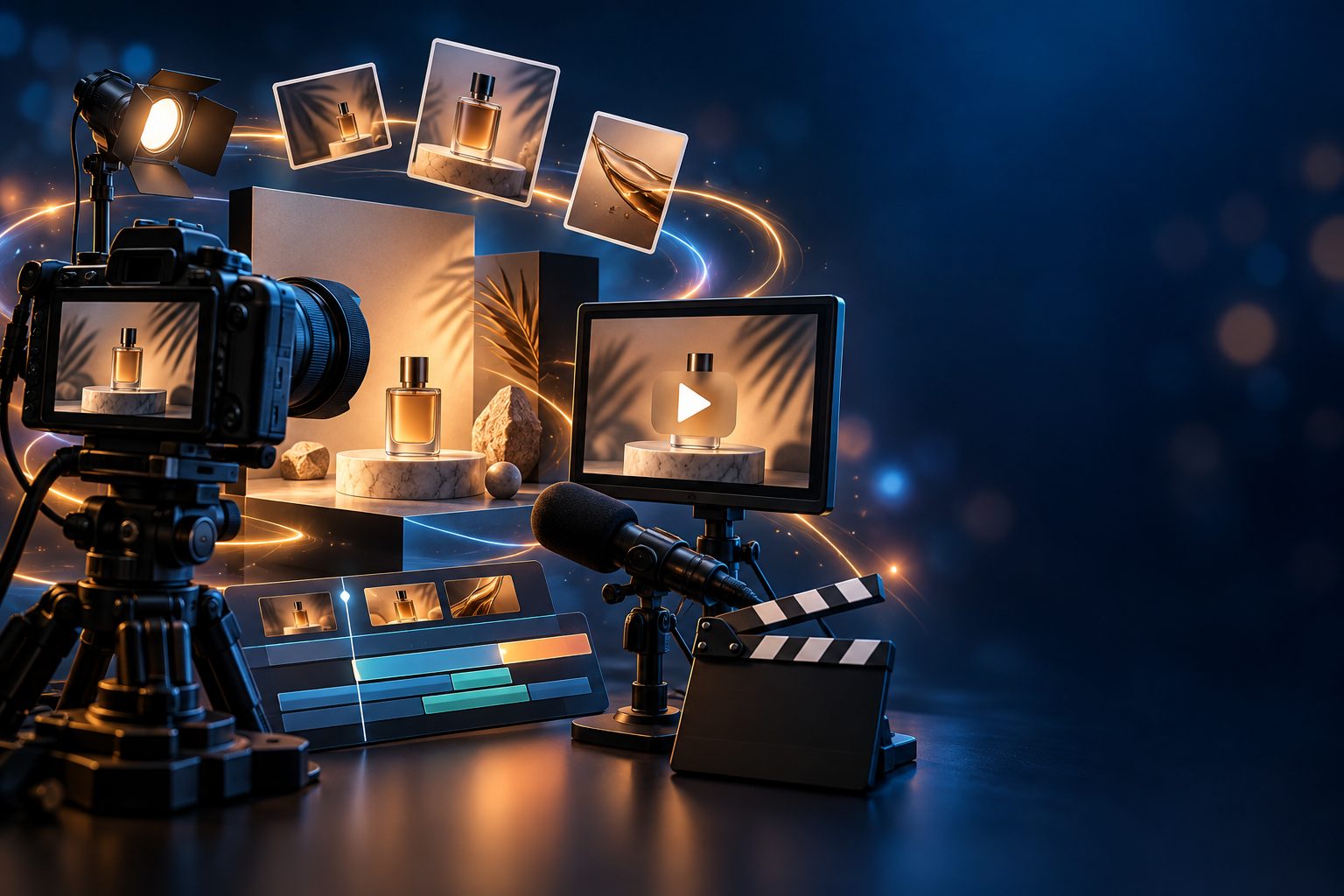
When you are selling a physical product, generic AI imagery works against you. Buyers want to see the actual item, the real packaging, the genuine texture. AI-generated product shots can look polished, but they sometimes hallucinate details that do not match what arrives in the box.
Featuring your own uploaded photos fixes that. They prove the product exists. They show your specific colors, finishes, and branding. Inside a presenter ad, they sit between a human-feeling opening hook and a direct call to action, right where a buyer's attention peaks.
How showcase images fit into the ad
MaqtAi's presenter ad format uses a fixed six-scene structure. The presenter appears on camera for the opening hook and the closing call to action. Your product photos fill the scenes in between, displayed full-screen exactly as you uploaded them, never redrawn or altered by AI. If a photo is not perfectly vertical, it sits on a blurred fill, and landscape shots work fine.
You can upload up to six images, shown in upload order. Shorter videos display fewer photos automatically, and photos are always dropped before presenter face time is, so your hook and close stay intact.
The detail worth repeating: your photos appear as-is. If your product shot has a white background, that is what viewers see. If it is a lifestyle photo taken on a kitchen counter, that is what plays. Real photos build the kind of trust that even great AI visuals cannot replicate.
Choosing your presenter
You have three paths, and the right one depends on how personal you want the ad to feel.
Stock presenters are the fastest option. Pick from the available roster (including Middle Eastern and hijabi options), choose a backdrop like a bright studio or cozy library, and you are ready. No recording, no photo of yourself. Great for testing product angles before committing your own face.
Your own clone is available through Clone Studio on an active subscription. Record a short guided reading and upload a clear head-and-shoulders photo. The AI builds a presenter with your face and voice. Clone Studio is labeled beta: the likeness is close but not perfect yet, especially around mouth movement and hands. A sharp, well-lit, front-facing photo and a calm recording in a quiet room make the biggest difference to the result.
Voice only clones just your voice without a photo. Your voice can narrate any faceless video, but it will not front a presenter ad. This suits narrated content, not talking-head product pitches.
Because the clone feature is still improving, test on a low-stakes video first. What you see today will keep getting better.
You do not actually need a script
This surprises most people. In a presenter ad, you can leave the Script step completely empty. The six-scene ad writes itself from your product facts at launch and only claims what you entered. If you listed your product name and a few selling points, that is all the presenter will say.
You can also generate a script preview and edit the lines before launching, or paste your own copy. The barrier is lower than you think: fill in what your product does, who it helps, and what you want viewers to do. The three-step workflow handles the rest.
One thing to know: if you leave the product fields empty entirely, the presenter records a topic talk instead of a sales ad. No pitch, no call to action, just someone discussing the subject. Useful for brand awareness, not for selling.
What presenter ads cannot do
Skipping this section would make the rest less believable, so here it is plainly.
No quality tier. Presenter ads always render on the standard presenter engine with a fixed six-scene structure. You can pick 30, 60 or 120 seconds, but you cannot choose a lighter tier to save credits or add more scenes. The wizard shows a "Best engine included" card instead of tier tiles. This is by design.
No language versions yet. Translating voiceover and captions into another language does not work for presenter videos because the presenter's lips would not match the new words. If you need multilingual product ads, create separate videos in each language.
Music is off by default. Presenter ads ship with clean voiceover and no background bed. You can pick an ambience in the Music step to override this, but leaving it untouched means silence behind the voice. For product content, clean audio often performs better anyway.
Photos can occasionally drop. A rare prep failure might render the video without your showcase images. The presenter video still ships, and re-rendering usually fixes it.
AI presenters do not replace every kind of trust. If your product needs live demonstration, unboxing, or physical proof of use, a real video of you holding it will outperform any AI presenter. These ads shine for awareness, retargeting, and quickly testing angles across platforms.
Getting your inputs right
The quality of a presenter ad depends almost entirely on what you feed it.
Product photos: Use your strongest shots. Clean backgrounds, good lighting, tight crops on the product. Vertical or square frames fill a phone screen better than wide landscape, though landscape still works on a blurred fill. Lead with your hero image and close with the shot nearest your call to action, like a bundle or offer visual.
Product facts: Be specific. "Handmade ceramic mug, dishwasher safe" gives the AI far more than "nice mug." The presenter only says what you wrote, so vague inputs produce vague ads.
Presenter setting: The ready-made backdrops range from bright studio to rooftop at dusk. Pick one that matches your product's energy: wellness items suit the garden or cozy library, tech gadgets feel at home in the startup loft. You can also type a custom setting in your own words.
Upload order matters. Images appear in the sequence you upload them. Think of it as a mini visual arc: hero shot, detail, lifestyle context, offer.
Your first presenter ad costs normal credits from your balance and needs an active subscription, since the talking presenter is off on free accounts. New accounts that verify their email start with 450 free credits, enough for three or four still-frame videos, but a presenter ad takes a paid plan. Bring your photos, fill in your product facts, and see what a finished ad looks like before you commit to anything else. The expensive move is spending another week comparing tools instead of letting a real audience react to a real ad.
Winning ad creative is a volume game. MaqtAi turns a product photo or link into UGC-style presenter ads, with the script, presenter, and captions handled for you, ready for TikTok or Reels. Presenter ads use the talking presenter, which is on the paid plans. Verify your email for 450 free credits and start with faceless videos, no card needed.
Start freeFrequently asked questions
Do showcase images get altered or redrawn by AI? No. Your uploaded photos display exactly as-is on a blurred fill background. The AI never redraws or modifies them.
Can I use my own face as the presenter? Yes, through Clone Studio on a paid plan. You record a short voice sample and upload a head-and-shoulders photo. The feature is in beta, so the likeness is close and still improving.
What happens if I leave the product fields empty? The presenter records a topic talk instead of a product ad. There is no sales arc or call to action. Leave them empty on purpose if you want that format.
How do I know what the ad will cost in credits? The total credit cost appears on the Review step before you press Launch. Nothing is charged until that moment, so you can build the entire ad and check the price risk-free.