Why viewers scroll has more to do with voice than you think
Most creators obsess over visuals and hooks. Fair enough, both matter. But the narrator voice is the constant thread running through every second of your video. A mismatch between what viewers expect and what they hear creates friction. Friction causes scrolls.
Think about it this way: if you run a calming bedtime channel and your narrator sounds like an auctioneer, people leave. If you post stoic motivation and the voice sounds playful and light, the message lands flat. The voice sets the emotional contract for the entire video within the opening moments.
This is especially true for faceless short-form content, where the narrator IS the personality. There is no face to compensate for a mismatched tone. The voice is doing all the trust-building work, whether you realize it or not.
Match the voice to the niche, not to your personal taste
The biggest mistake is picking the voice you personally enjoy listening to. Your taste is not the point. Your audience's expectation is.
Here is a rough framework that works across most faceless niches:
- Scary stories, true crime, dark psychology: Deep, measured, slightly serious. Think someone telling a story around a fire, not reading the news.
- Stoic motivation, self-improvement: Steady, warm, authoritative. Not aggressive or preachy.
- History, science, explainers: Clear, curious, conversational. The voice of someone genuinely interested in the topic.
- Bedtime and sleep content: Slow, soft, low energy. Nothing jarring, no sudden emphasis.
- Finance, startup stories: Confident but approachable. Think informed friend, not Wall Street anchor.
The pattern: the voice should sound like the person your viewer would naturally want to hear this topic from. Not a generic "good" voice, but a specifically right one for that world.
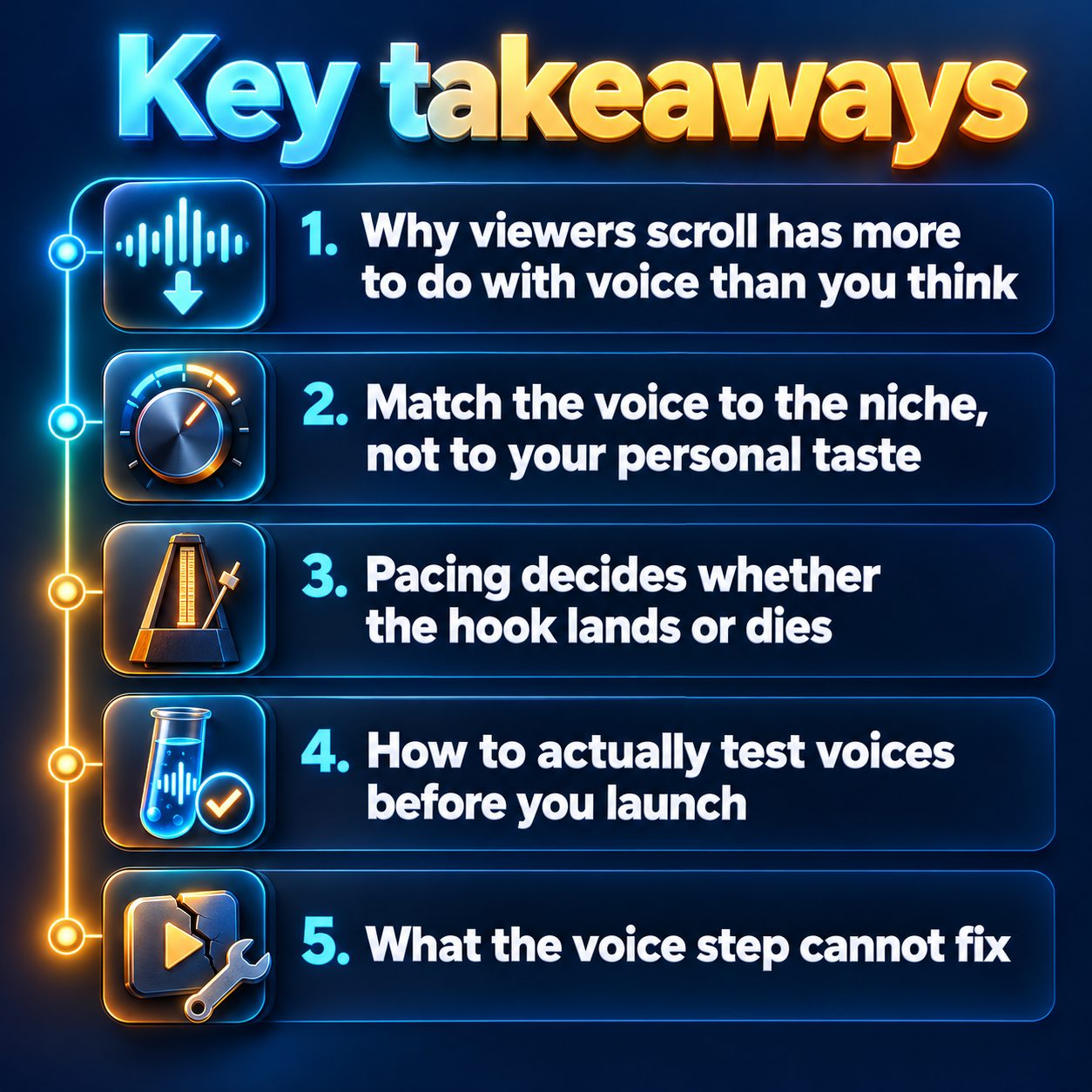
Pacing decides whether the hook lands or dies
A perfectly cast voice at the wrong speed still loses viewers. Too slow, and the opening feels like it is wasting their time. Too fast, and the words blur together before the hook registers.
For short-form content, slightly faster than a natural conversation usually works best. You want enough momentum that the viewer feels pulled forward, but enough breathing room that every word lands clearly. The sweet spot varies by niche, though. Sleep content should be noticeably slower than a motivation reel.
MaqtAi's Voice step in the video wizard gives you adjustable speech speed for every narrator. You can slow the delivery down for calming niches or push it faster for high-energy topics. Preview the speed against your actual script before you commit, because what sounds right on a single sentence can feel completely different across a full video.
How to actually test voices before you launch
Here is where most people waste time: they pick a voice based on a name or a brief sample clip, launch the video, and wonder why it feels off.
A better approach with MaqtAi's Voice step:
- Write your script first. The voice should serve the words, not the other way around. Get to the Script step and finalize your hook and first few lines before thinking about narration.
- Preview every voice against your opening line. The wizard offers a preview button for each of its narrator options. Do not skip this. Listen to your actual hook in each voice, not just the default sample.
- Adjust the speed after you pick the voice. Speed changes the character of the voice. A calm narrator at higher speed sounds energetic. An authoritative narrator at lower speed sounds contemplative. Try at least a couple of settings.
- Listen for the pause rhythm. Good narration breathes. If the preview sounds like one continuous stream with no natural pauses, the speed might be too high for that particular voice and script.
The combination of voice and speed is what creates the narrator's personality. Treat them as one decision, not two.
What the voice step cannot fix
Honest truth: no narrator voice saves a weak script. If your hook does not create curiosity or tension in the first sentence, viewers leave before the voice even registers. The voice amplifies a good script and exposes a bad one.
The voice step also cannot replicate a specific real person's voice from the stock narrators. If you want your own voice on your videos, Clone Studio lets you record a short sample to create a voice clone (currently in beta, and a quiet room with natural pacing gives the best results), but the stock options are designed to be versatile across niches rather than to mimic anyone specific.
And one more thing worth saying plainly: AI voices have improved dramatically, but they still occasionally stumble on unusual words, proper names, or awkward sentence structures. Review your script for anything that might trip up the narration, and reword tricky phrases before you launch. The voice step gives you a strong starting point, but your ear is the final quality check.
Pick once, then refine over time
You do not need to find the perfect voice on your first video. Pick the best match you can, post, and watch how your audience responds. Retention graphs, especially the opening seconds, will tell you more than any preview session ever could.
What you are looking for: do viewers stay past the hook? If they drop consistently in the first moments across multiple videos, the voice or pacing might be part of the reason. Change one variable at a time so you can actually learn from the data.
If you run multiple niches or channels, do not assume one voice fits all of them. A narrator that works beautifully for history explainers might feel completely wrong for comic stories. MaqtAi lets you pick a different voice for every video, so use that flexibility.
The real cost of waiting is simple: every day without posting is a day your channel builds zero data. You cannot learn what voice your audience prefers until you give them something to watch. Your first video does not need the perfect narrator. It needs to exist.
Make your first video free with the starter credits you get for verifying your email and test a voice against your actual niche before you overthink it.
Doing this by hand is the part most people quit at. MaqtAi writes the script, narrates it, generates the visuals and captions, and assembles the faceless short for you. Verify your email and you get 450 free credits: about 3 videos on the still-frame tier, or one with AI motion. Free renders carry a watermark.
Try it on your niche freeFrequently asked questions
Do AI narrator voices hurt my reach on TikTok or YouTube? No platform down-ranks videos for using AI narration. TikTok, YouTube, and Instagram rank by viewer behavior like watch time and engagement, not production method. A well-matched AI voice that keeps people watching will outperform a poor human recording that makes them scroll away.
Should I use the same voice for every video on my channel? Consistency helps build recognition, so sticking with one voice per channel is usually smart. Viewers start associating that narrator with your content, which builds familiarity. Switch only if retention data suggests the current voice is not connecting with your audience.
Can I use my own voice instead of a stock narrator? Yes. Clone Studio (currently in beta) lets you record a short guided sample to create a voice clone. A quiet room and calm, natural delivery give the best results. The stock narrators are ready immediately if you prefer to start faster.
Does narration speed really affect how long people watch? Absolutely. A voice that feels too slow for the content makes viewers impatient, and one that feels too fast makes them tune out. The right speed depends on your niche and the energy of your script, which is why previewing against your actual hook matters so much.