
The real reason second channels die
It is not ambition. It is arithmetic.
One channel already costs you a script, a voice, visuals, captions, a thumbnail, and a publish. Add a second channel and you have not doubled the ideas, you have doubled the chores. So the first busy week, you post on the channel that is working and tell yourself you will catch up on the other one. You never do. The second channel goes quiet, the algorithm stops learning what it is, and three months later you delete it and feel like you wasted your time.
The fix is not motivation. It is deciding, up front, that the two channels get different rhythms and that production stops being manual. Everything below is that plan.
Give each channel a job, or do not open the second one
Before any scheduling talk: two channels only make sense if they serve two different viewers. YouTube's recommendation system learns a channel by who watches it and what they do next. Two overlapping niches on two channels teaches it nothing twice.
A workable split looks like this:
- Channel A is your proven one. You know the format, the hook shape, the length. It keeps its current cadence.
- Channel B is a genuinely different audience. Stoic motivation and true crime. History and bedtime stories. Startup breakdowns and scary stories. Different viewer, different mood, different watch time pattern. If you are hunting for the second lane, the niches page is a decent shortlist to pick from.
And the honest counter-case: if channel A is not yet posting consistently, do not open channel B. A second channel does not fix a first channel. It splits the attention that first channel needed.
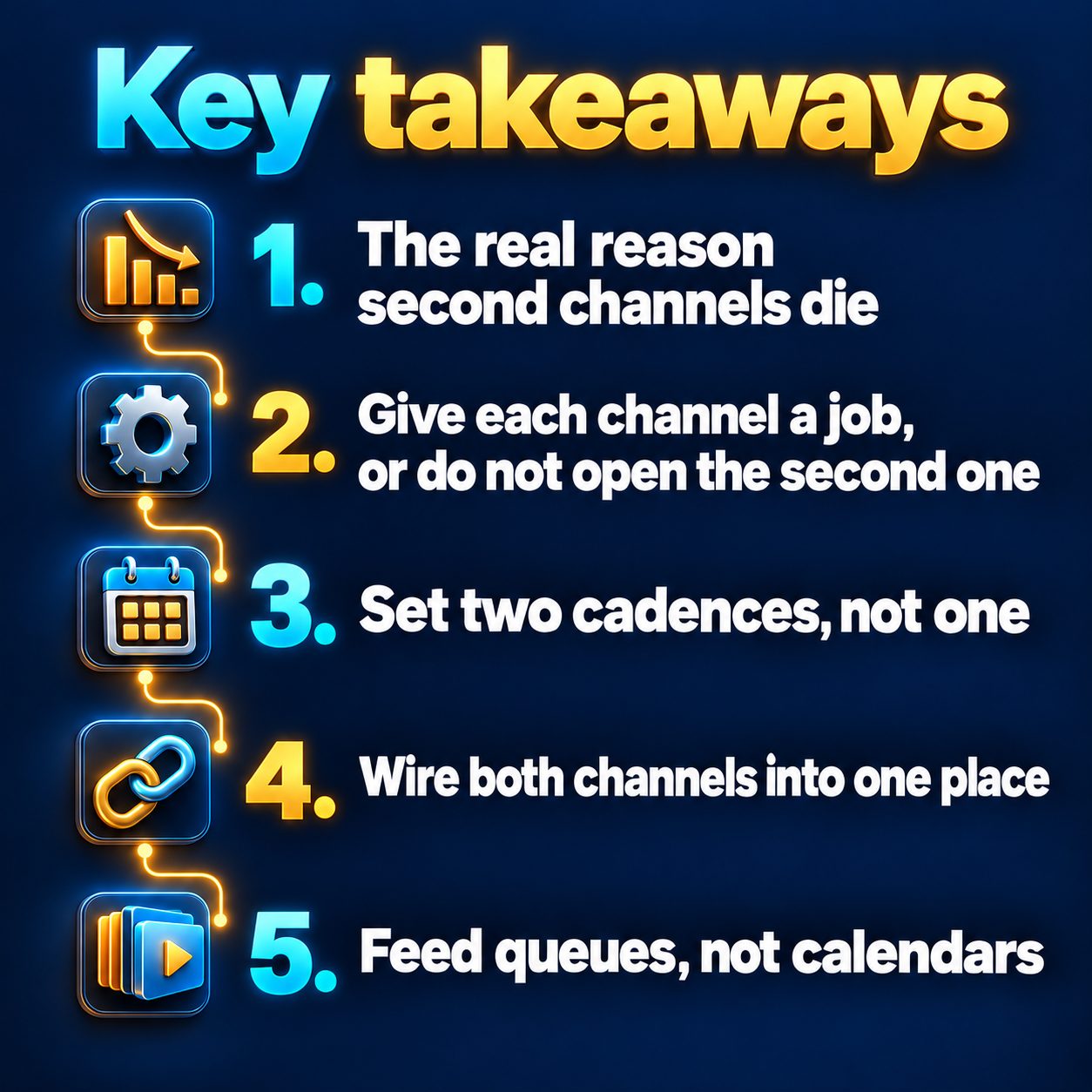
Set two cadences, not one
This is the decision most people skip, and it is the one that saves the whole thing.
Your two channels should almost never post at the same rate. The proven channel earns the heavier cadence because you already know what a good video looks like there. The new one runs lighter until it has enough videos for you to see a pattern.
A sane starting split:
- Channel A: daily, or 3 times a week if daily has ever broken you before.
- Channel B: 3 times a week, or weekly if the niche needs research (history, true crime, anything where being wrong is embarrassing).
Inside MaqtAi, Autopilot takes exactly those cadences: daily, 3 times a week, or weekly, with an optional posting window so videos do not land at 4am. You set a weekly cap per schedule yourself, up to the ceiling your plan allows, and that limit is rolling, so it frees up as the week's runs age out. Set channel B's cap low on purpose. A cap you never hit is a cap that never guilt-trips you.
One more cadence decision that matters more than the rest: vertical or 16:9. YouTube auto-classifies vertical video up to 3 minutes as Shorts and 16:9 as a regular video. That choice decides which monetization door you are walking toward, since the Partner Program's long-form path (1,000 subscribers plus 4,000 valid public watch hours in 12 months) is a very different bar from the Shorts path of 10 million valid Shorts views in 90 days, per YouTube's own eligibility page. Many two-channel setups run one channel vertical for reach and one at 16:9 for watch hours. Pick deliberately, then stop rethinking it.
Wire both channels into one place
Mechanics, briefly, because this is the part people assume is impossible.
One workspace can hold more than one channel on the same platform. On the Integrations page the Connect button stays available and reads "Add another channel" once one is linked, and each connected channel shows up as its own row. When you publish, every channel appears as a separate choice, so you tick the one you mean. If you would rather keep the two brands completely walled off, use a separate workspace for each instead.
Two things to know so you are not confused later. A platform only unlocks for Autopilot after you have published to it manually at least once, so publish one video by hand per channel first. And YouTube needs a phone-verified channel to accept custom thumbnails; without that the video still publishes, it just uses a frame.
Feed queues, not calendars
Here is the mental shift that makes two channels sustainable: you stop making videos and start maintaining two topic lists.
Autopilot renders from a topic queue you manage, one topic per line, up to 20 at a time, oldest first. Each topic passes a content check before it joins the queue. Then, by default, every finished video waits in an approval queue for one tap: Approve and publish, or Reject. Nothing goes out without you unless you explicitly turn on automatic publishing, and even then the quality gate holds back anything that fails it.
So your actual weekly job for two channels becomes: sit down once, top up both queues, tap through the approvals. That is it. Twenty topics at a weekly cadence is months of runway. Twenty at daily is a few weeks. Refill before you run dry, because Autopilot self-pauses when a queue empties.
On credits, spend them unevenly on purpose. Quality tiers control how per-scene motion is generated, and each tile shows its real cost before you commit. Premium tiers mainly pay off on realistic, people-heavy footage. Stylized visuals (anime, comic, watercolor, pixel art) look close to identical on Standard, so put the expensive tier on the channel whose look actually needs it and leave the other on Standard. The pricing page shows the per-video figures.
What this does not do
Automation removes the production friction. It does not remove the judgment, and pretending otherwise would be a lie.
It will not pick your niche, and it will not tell you whether your second channel is a good idea. There is no trending-topic suggester, though Autopilot's Suggest topics button will write a batch from your niche and brand signal, and its AI-niche mode refills the queue on its own. It will not write a hook that works if the topic is boring. It does not make views happen: views come from the niche, the first three seconds, and the fact that you kept posting. Autopilot also needs an active plan, and it self-pauses if renders keep failing or topics keep getting held back, which means you still check in.
And the honest "do not bother" case: if you are still figuring out what channel A even is, running two schedules will just industrialize your confusion. Fix the format first, then duplicate it.
One more thing people worry about and never say out loud: no, viewers will not punish you for AI-made video, and no platform down-ranks a video for how it was produced. What does hurt is spam patterns, near-duplicate files posted across accounts, and weak opening seconds. Two genuinely different channels with genuinely different topics are not that.
The cost of waiting another month
Nothing dramatic happens if you put this off. That is the problem.
The second channel just does not exist yet, so it accumulates no watch history, no audience signal, no back catalogue for anyone to binge. Every week you wait is a week its algorithm data does not start collecting, while somebody in the same niche posts their fourth video. Channels do not get discovered on day one. They get discovered because there were already thirty videos sitting there when one of them caught.
So make the smallest possible move today: one video for channel B. Not a schedule, not a brand, one video, so the idea stops being hypothetical. Verifying your email gets you 450 free credits, no card, which is 3 or 4 watermarked still-frame videos, enough to see what the second channel would actually look like before you commit a single hour of your week to it.
Doing this by hand is the part most people quit at. MaqtAi writes the script, narrates it, generates the visuals and captions, and assembles the faceless short for you. Verify your email and you get 450 free credits: about 3 videos on the still-frame tier, or one with AI motion. Free renders carry a watermark.
Try it on your niche freeFrequently asked questions
Can I run two YouTube channels from one account? Yes. One workspace can link more than one channel on the same platform, and each shows as its own row on the Integrations page and as a separate choice when you publish. If you want the two brands fully separated, use a different workspace for each.
Should both channels post daily? Usually not. Give the proven channel the heavier cadence and let the new one run at 3 times a week or weekly until you can see what works. A cadence you can hold for months beats a cadence you abandon in week three.
Does anything get published without me seeing it? No, unless you choose that. By default every finished Autopilot video waits for one-tap approval, and videos that fail the quality gate or content check are held back either way.
How much of my week does two channels actually take? Once the schedules are set, the recurring work is topping up two topic queues and tapping through approvals. The heavy part is the thinking you do once: picking the second niche and the format it lives in.
Results vary. Nothing here is a guarantee of views, monetization, or income.