Two routes, and they solve different problems
The first route is writing natively. Before the script exists, you set the voiceover language, and that one choice controls the script, the narration, and the captions together. In MaqtAi that picker sits on the Topic step of the wizard, with English and Arabic as quick buttons and 57 more behind a dropdown. Left on Auto, it writes in whatever language your topic brief is in. Pick explicitly and it overrides that, so you can type your idea in English and get Turkish narration. One catch worth remembering: change it before you generate the script, because regenerating is what applies the new pick.
The second route is localizing something that already exists. A finished picture-and-motion video gets a Language versions panel that rebuilds the same video with a new voiceover and new captions in another language. Same scenes. Same music. Same sound effects. Only the words change. The original is never touched, and each version gets its own Publish and Download buttons.
Rule of thumb: if the topic is tied to the language, write natively. Wordplay, local news, anything where the idiom is the point. If the topic is universal, localize. History, sleep stories, stoic motivation, science explainers, scary stories. Those travel because the visuals carry half the meaning.
Which language to actually pick first
The temptation is to pick by market size. Resist it. Pick the language where you can read your own comments, or where you know one person who will tell you honestly if the narration sounds off. You are going to need that feedback loop more than you need reach.
After that, pick by how visual your niche is. A channel built on footage and narration survives translation intact. A channel built on tone, sarcasm, or cultural in-jokes does not, and you will feel that before your retention graph tells you.
And pick one. Not five. Run a handful of videos over a couple of weeks in a single second language, and look at retention rather than raw views. Retention tells you whether native speakers are actually staying. Views in a new language are noisy for a while, because the algorithm is still working out who to show you to.
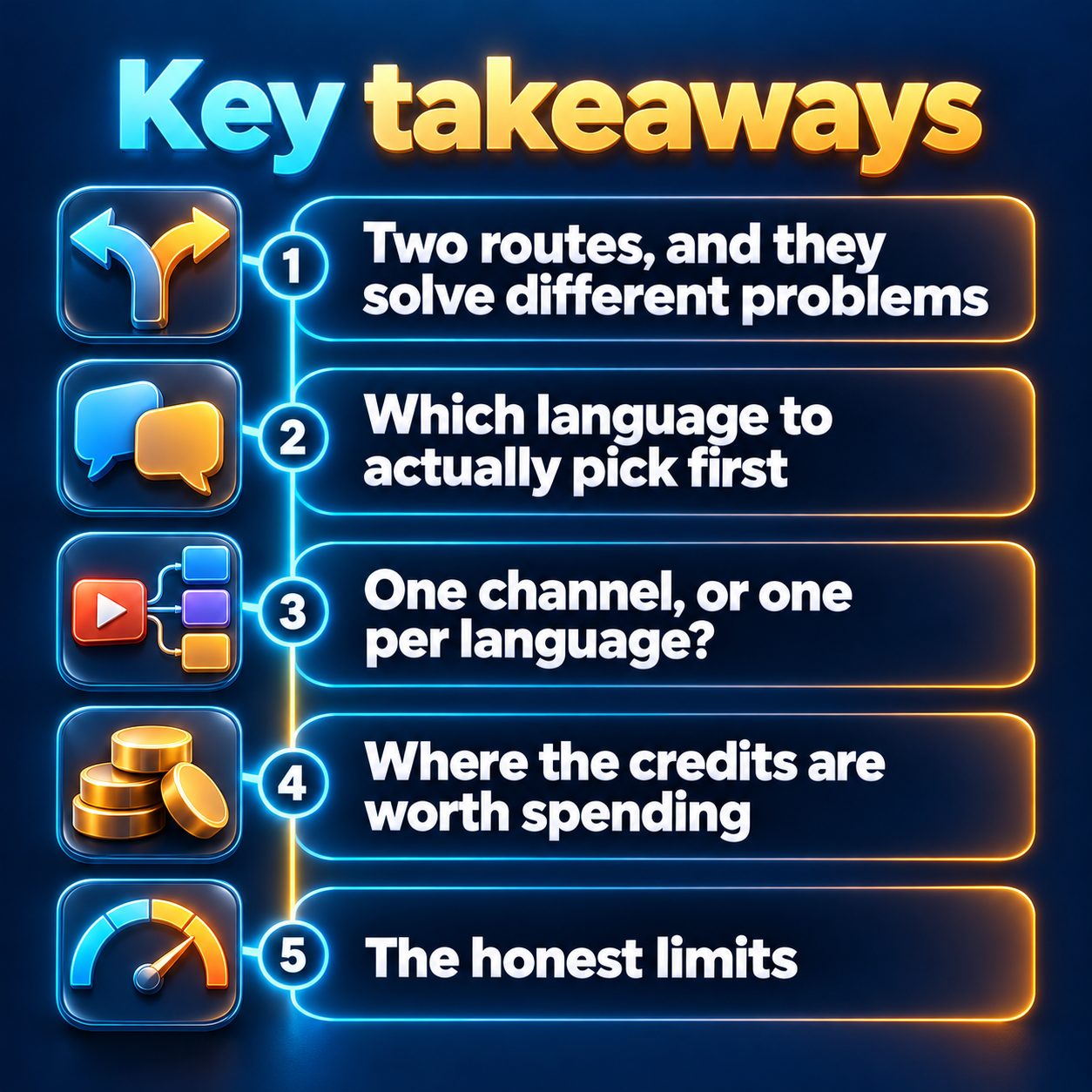
One channel, or one per language?
One per language, almost always.
This is not a rule any platform publishes. It is just how the ranking works. Shorts get ranked by what viewers do: watch time, completion, shares. If half your uploads are in a language a subscriber does not speak, they swipe away, and those swipes get averaged into how the platform reads your whole channel. You are effectively asking one account to serve two audiences with opposite reactions.
Practically, that means a separate channel per language, each with its own name and description in that language. A single MaqtAi workspace can link more than one channel on the same platform, so on the Integrations page the Connect button reads "Add another channel" once you have one, each channel shows as its own row, and at publish time every connected channel is a separate choice. If you would rather keep the two operations completely apart, use a different workspace for each. The publishing setup is the same either way, with the usual platform rules: YouTube Shorts posts directly, TikTok arrives as a draft you tap to post, Instagram Reels needs a Business or Creator account linked to a Facebook Page.
Where the credits are worth spending
This is the part that decides whether going multilingual is smart or expensive.
A language version is one all-in price per generation covering the script translation plus the new voiceover, shown on the button before anything is charged. Because the visuals are reused, that is cheaper than commissioning a whole second video. Regenerating a language you already successfully generated costs much less, about a quarter of the first price, since the first price buys the language and regenerates only pay for the re-render. A failed generation returns its credits to your balance automatically and does not count as owning the language. Editing the translated wording with "Edit script" on the version is free and applies on the next regenerate.
So the sane spending pattern: do not localize your back catalogue. Let a video prove itself in your first language first, then translate the ones that held attention. Translating a video nobody finished just buys you a second video nobody finishes. If you are still weighing what a batch of these costs, the credit breakdown is public, and new accounts get free credits on email verification, which is enough to test the whole idea before spending anything.
The mechanics themselves take a minute. Open a completed video, open Language versions, pick the language, read the price on the button, generate, then review the wording before you publish. That is the whole workflow.
The honest limits
A language version changes the voiceover and the captions. Nothing else. The scenes, the music, and the sound effects stay identical, so any text baked into an image stays in the original language, and a culturally specific visual stays culturally specific. If you want different visuals for a different market, that is a new video, priced as a new video.
Presenter and talking-head videos cannot be localized yet, because the presenter's lips would not match the new words. Language versions also always use the consistent preset narrator voice, never a cloned voice. And they need the video's stored scene files, which are kept for 7 days after rendering, so an older video has to be re-created first.
The bigger limit is not technical. A machine translation of a hook is not always a good hook in the target language. Read it. Fix the opening line. That edit is free, so there is no reason not to.
Who should skip this entirely: anyone who cannot moderate comments in the target language, and anyone whose niche lives on wordplay. Also worth saying plainly, none of this makes a channel grow. It removes the cost of producing in a second language. Views still come from the niche, the hook, and how often you post.
Start with one video, not a catalogue
Here is what waiting actually costs. A second-language channel needs the same runway as your first one did: weeks of uploads before the algorithm has enough data to know who to show you to. Every month you delay is a month that clock has not started. Meanwhile the creators already publishing in that language are compounding, and their back catalogue keeps working while yours does not exist.
The small step is not a strategy. It is one video. Take your best-performing short, generate a single language version in the one language you can actually read comments in, publish it to a fresh channel, and see what the retention looks like. New accounts get free credits after verifying their email, no card, which covers roughly the first few videos. That is enough to find out whether your niche travels, which is the only question that matters here.
Doing this by hand is the part most people quit at. MaqtAi writes the script, narrates it, generates the visuals and captions, and assembles the faceless short for you. Verify your email and you get 450 free credits: about 3 videos on the still-frame tier, or one with AI motion. Free renders carry a watermark.
Try it on your niche freeFrequently asked questions
Can I keep my cloned voice in the translated version? No. Language versions always use the consistent preset narrator voice, never a cloned voice. If voice identity matters more to you than translation, keep the clone for your main-language channel.
Will posting the same video in two languages look like duplicate content? No platform down-ranks a video for being a translation. What gets flagged as spam is identical files posted across many accounts or near-duplicate mass posting. The same idea in a different language on a different channel is not that.
How long do I have to localize a video after making it? Seven days, because that is how long the source scene files are kept after rendering. Past that, the project page offers Re-create with same settings, which preloads the wizard so you can render a fresh copy and localize from there.
What if the translation gets a phrase wrong? Edit the script on that version for free, then regenerate. Regenerating a language you already own is much cheaper than the first generation, about a quarter of the price.