A good voiceover is mostly the script, not the voice
Here's the worry I hear most: "AI voices sound robotic, people will scroll." Sometimes they do. But when you listen closely to the narration that loses viewers, the voice is rarely what's wrong. The words are.
Most scripts are written for reading. Long sentences, stacked clauses, a slow warm-up before anything happens. Read aloud by any narrator, human or AI, that sounds flat. A script written for the ear sounds different:
- The first sentence is the hook. Not "Today we're going to talk about..." but the strangest, sharpest line you have.
- One idea per sentence. If you'd run out of breath saying it, split it.
- Spoken words, not written ones. "He never came back" beats "His return did not occur."
- End on one next step. Leaving the viewer with one thing to do or think makes the ending feel finished.
Say the script out loud before you commit to it. If you stumble, a narrator will sound like it's stumbling too, even if every word comes out cleanly.
Picking a voice that fits your niche
This is the real decision, and it's where most people just click the first option. Don't. The voice is your channel's personality, and viewers notice when it doesn't match the content.
A rough guide by genre:
- Scary stories and true crime: low, calm, a little slow. Restraint is creepier than drama. A voice that sounds excited about a murder feels wrong.
- Stoic motivation: steady and grounded. Think older mentor, not hype man.
- History and education: clear and warm, like a teacher people actually liked.
- Comic stories: a voice with some bounce. Timing matters more than tone here.
- Bedtime and sleep: soft, slow, no sharp emphasis. Anything punchy defeats the purpose.
Once you pick a voice, keep it. Switching narrators every few videos is like changing a podcast host every week. Returning viewers start to recognize the voice before they recognize anything else, and that familiarity is worth protecting. You can browse what fits each genre on the use cases page.
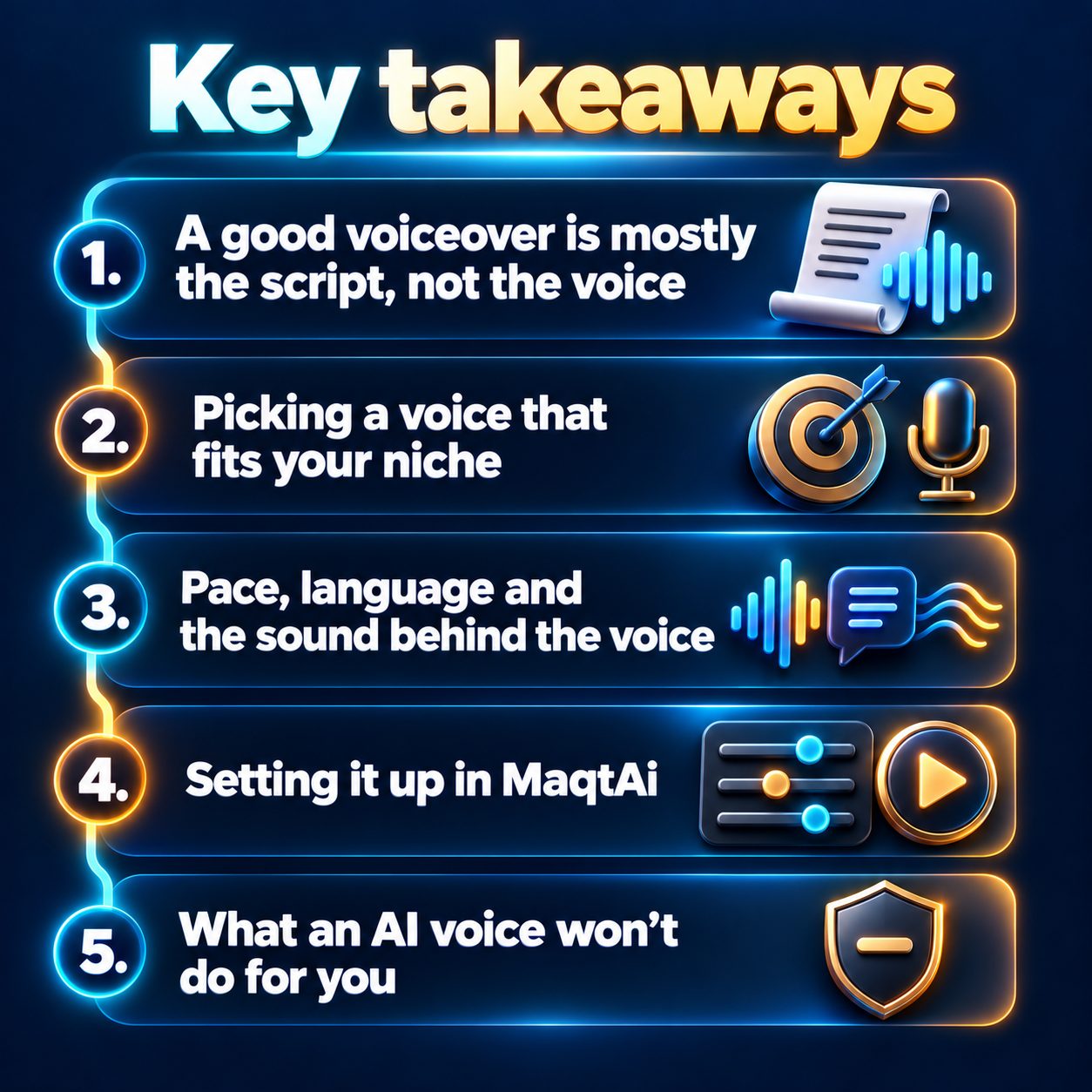
Pace, language and the sound behind the voice
Three smaller settings separate an okay voiceover from one that feels deliberate.
Pace. Short-form narration usually works a touch faster than normal conversation, because a 30-second video has no room for dead air. The exception is sleep and calm content, where slower is the whole point. If a fast pace makes the words blur, cut words from the script instead of pushing the speed higher.
Language. If your audience speaks Spanish, Arabic or Hindi, narrate in that language from the start. Don't write in English and hope. A native-language voiceover reads as made for them, and that changes how people watch.
Background sound. A clean voiceover with nothing under it is a perfectly good default. Add ambience only when it supports the mood, like rain under a ghost story. Music that competes with the voice is the fastest way to make good narration sound cheap.
Setting it up in MaqtAi
This part is short on purpose, because the choices above matter more than the clicks.
In MaqtAi, the language picker sits on the Topic step, and it sets the script, narration and captions together. Choose it before the script gets written. The script it generates already follows the shape above: a hook first, then the viewer's problem and the payoff, then one next step. You can edit any line on the Scenes step or paste your own script, which is used word for word.
Here's the step people miss. The wizard opens in Simple mode, which hides the Voice, Music and Captions steps and picks them automatically to match your topic. To choose the narrator yourself, switch the toggle at the top of the wizard from "Simple" to "Advanced." The Voice step then shows two groups, "Recommended for your language" (premium voices at no extra credits) and "Standard voices." Each voice has a play button, so listen to a few with your niche in mind. Speech speed is adjustable there too. The Music step (headed "Sound") defaults to "Clean voiceover," and captions follow the narration in chunks.
Two extras worth knowing about. "Make it funny" on the Topic step turns any topic into comedy, and most voices perform the comic timing. And if you want your own voice without recording every video, Clone Studio has a "Voice only" mode: you record a short guided reading once, then pick "My voice" on the Voice step. It needs a paid plan, and making the clone itself costs no credits.
What an AI voice won't do for you
Now the honest part, because you should know the limits before you spend an afternoon on this.
A great voice won't save a weak hook. If the opening line is boring, people leave, however good the narration sounds. Not every voice is expressive either. Some read every line in the same tone, which is why you should listen before you pick. Clone Studio is labeled Beta. A calm recording in a quiet room helps a lot, but the result is close, not perfect. And nothing here picks your niche or tells you what's trending. That judgment is still yours.
The question you might not ask out loud: will people judge you for using an AI voice? Mostly, viewers judge whether the video was worth their time. No platform down-ranks a video just for being AI-made. Ranking follows watch time, completion and shares. What does hurt is posting near-duplicate videos in bulk, and ignoring a platform's disclosure rule for realistic synthetic media.
Here's what waiting costs. Every week you spend hunting for the "perfect" voice is a week with no videos up and no data on what your audience responds to. Meanwhile someone in your niche posts every day and learns faster than you do. You don't need to solve narration forever today. Pick one voice, write one script for the ear, and make one video.
Most new accounts that verify their email get free credits, no card needed. Details are on the pricing page. That's enough to hear your first narrated video and decide with your own ears instead of guessing.
Doing this by hand is the part most people quit at. MaqtAi writes the script, narrates it, generates the visuals and captions, and assembles the faceless short for you. Verify your email and you get 450 free credits: about 3 videos on the still-frame tier, or one with AI motion. Free renders carry a watermark.
Try it on your niche freeFrequently asked questions
Do I need a microphone to make a voiceover video? No. An AI narrator reads your script, so you never record anything. You'd only use a mic if you choose to clone your own voice, and even that is one short recording.
Will an AI voiceover get fewer views? Not because it's AI. Platforms rank shorts by viewer behavior like watch time and completion, so the hook and script matter far more than how the voice was made.
Can I make voiceover videos in languages other than English? Yes. Pick the narration language on the Topic step, and the script, voiceover and captions all follow it.
Should I use my own voice or an AI narrator? If your voice is part of your brand, cloning it can work, though the feature is still in beta. If you just want consistent, clear narration, a well-chosen preset voice is simpler and stays the same in every video.