Why most faceless channels drift off brand
You start strong. First video nails the tone. Second one still sounds like you. After a handful of videos, something shifts. The scripts start sounding like they could belong to anyone. The hook patterns wander. The language gets vague.
This happens because most creators treat each video as a blank slate. You type a topic, get a script, maybe tweak a few lines, and move on. Nothing ties one video to the next except the niche label. Your audience never builds a mental picture of who this channel is for, and watch time suffers because nothing feels familiar.
The fix is not editing harder. It is giving your content engine a definition of "on brand" that persists across every video you create.
What the brand signal actually controls
On MaqtAi's My brand page, you save two things: who your audience is (including their specific pains) and what content pillars your channel covers. A "Suggest for me" helper can draft both from a one-line channel description if you are not sure where to start.
Once saved, a "Tailor to my brand" checkbox appears in the wizard's Script step. Check it, and the AI writes your script for that specific audience rather than a generic viewer. The hook targets their pain. The examples reference their world. The language stays in the register you defined.
This is not a template or a sign-off line. It shapes the entire script from the first word. And because you save it once, it applies to every video going forward without you copying or pasting anything.
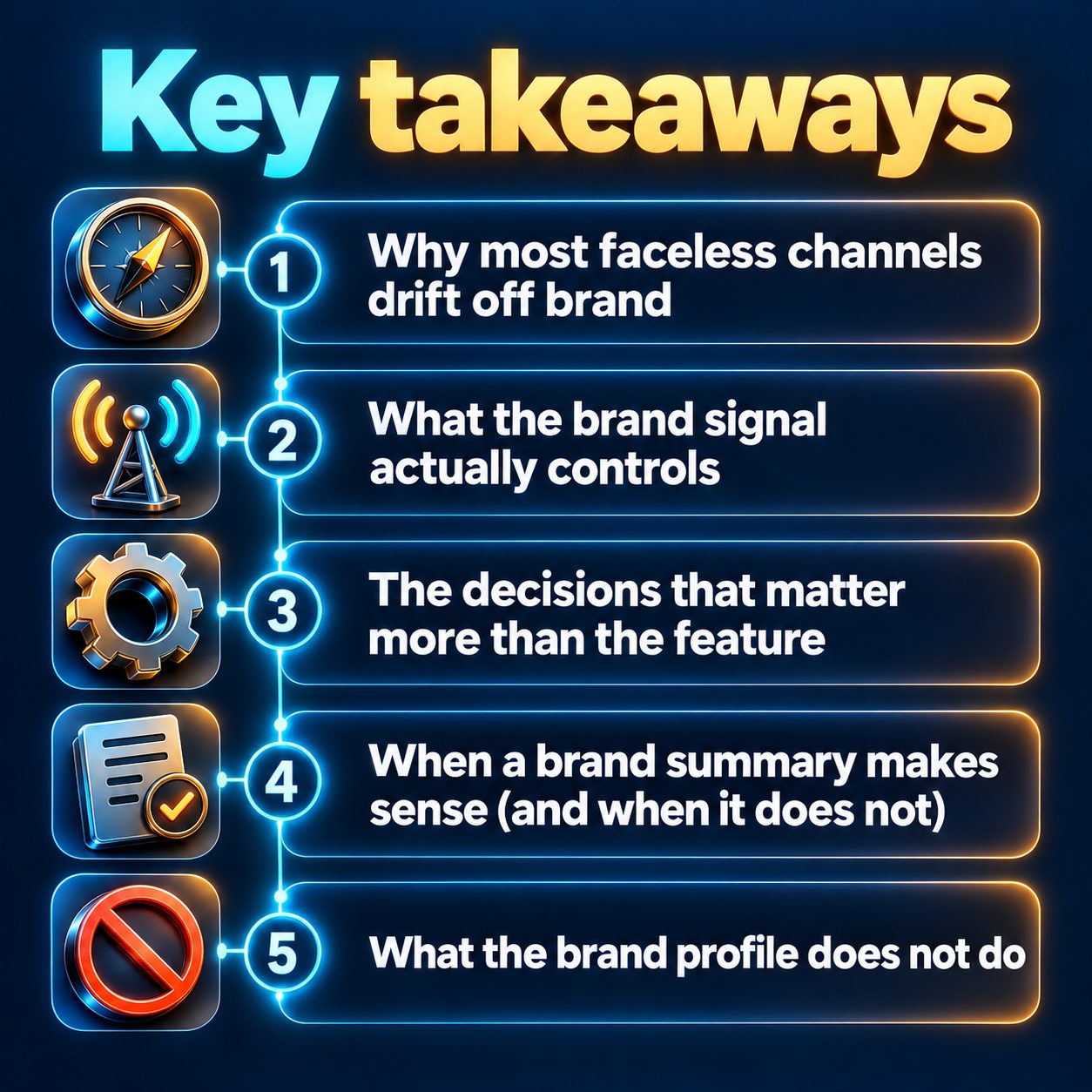
The decisions that matter more than the feature
The setup takes a few minutes. The thinking behind what you type matters much more. Get this wrong and you will consistently produce the wrong content, just more efficiently.
Audience and pains. Be ruthlessly specific. "People interested in finance" tells the AI almost nothing. "First-generation graduates drowning in student debt who feel ashamed they do not understand investing" gives the AI something to write toward. The more specific your audience description, the sharper every hook becomes.
Content pillars. These are the recurring themes your channel returns to. A stoic motivation channel might focus on pillars like dealing with difficult people, building discipline after failure, and staying calm under pressure. A true crime channel might center on unsolved cases, wrongful convictions, and forensic breakthroughs.
Pillars prevent drift. When every script maps back to a pillar, your channel develops a recognizable identity. Viewers subscribe because they know what is coming next.
If you are stuck, describe your channel in one sentence to the "Suggest for me" helper and see what it proposes. You can edit everything it returns.
You can also develop specific topics on this page. Type a topic, press "Develop angles" to get distinct angles, then rank opening hooks and press "Use" to open the wizard pre-filled. The development leans on your saved brand signal, so the hooks already speak to your audience before you touch the script.
When a brand summary makes sense (and when it does not)
Businesses on a paid plan can add an optional brand summary. Press "Build from my website" and MaqtAi reads your site, then drafts a short summary of what you offer, who your customers are, and your tone of voice. You review and edit before saving. No website? You can build it from your connected Instagram, Facebook, or YouTube account instead.
The summary keeps product details and company voice consistent across scripts. If you sell handmade candles and the AI keeps calling them "artisanal aromatherapy solutions," the summary corrects that.
Be honest with yourself here: if you run a faceless content channel (motivation, stories, history, curiosity), you probably do not need a brand summary. The audience and pillars alone do the heavy lifting. The summary exists for creators who represent a specific product or service and need the AI to get their details right.
One note worth knowing: Autopilot uses your audience and pillars but deliberately skips the brand summary. Repeating the same company description across a batch of scheduled videos would make them sound repetitive rather than on brand.
What the brand profile does not do
Honesty time. The brand signal shapes your scripts. It does not:
- Pick your topics. You still decide what each video is about. The My brand page can develop angles and hooks for a topic you type in, but there is no automatic trending-topic suggester scanning your niche.
- Control visuals or music. Your visual style, voice, and music choices are set separately in the wizard. The brand signal is a writing tool, not a design system.
- Guarantee growth. A tightly branded script still needs a strong first second, a topic people care about, and a posting cadence that feeds the algorithm. Brand consistency removes one friction (generic scripts), not all of them.
- Work retroactively. Existing videos stay as they are. You would need to edit or re-create them to apply the new brand tone.
If your channel is not growing, the brand signal is probably not the first thing to fix. Check your hooks, your posting frequency, and whether your niche has a real audience before worrying about consistency. This matters most once those basics are working and you want every video to compound on the last.
You set this up once, then forget about it
Open the My brand page, fill in your audience and pillars (or let the helper suggest them), and save. For businesses, add the summary. That is the entire setup.
From that point on, the "Tailor to my brand" checkbox waits on the Script step every time you create a video. One click, and the script writes itself for your people. If your channel evolves, update the fields and save again. New videos pick up the change immediately.
The real cost of skipping this is subtle. No single video will seem broken. But your channel never develops a voice. Viewers watch without subscribing because nothing connects one video to the next. Over weeks and months, that adds up to a channel that works harder than it should for every view.
If you have not saved your brand signal yet, that is the one thing worth doing before your next video. You can try it free with the credits you get when you verify your email, and the brand setup itself costs nothing.
Doing this by hand is the part most people quit at. MaqtAi writes the script, narrates it, generates the visuals and captions, and assembles the faceless short for you. Verify your email and you get 450 free credits: about 3 videos on the still-frame tier, or one with AI motion. Free renders carry a watermark.
Try it on your niche freeFrequently asked questions
Does saving a brand signal cost any credits? No. Saving your audience, pains, and content pillars is free on every plan. Developing angles and hooks from a topic on the same page costs a few credits, but the brand signal itself is free to set up and use.
What if the "Tailor to my brand" checkbox does not show up in the wizard? That means your brand signal has not been saved yet. Go to the My brand page, fill in at least the audience and pillars fields, and press save. The checkbox appears after that.
Can I use different brand profiles for different channels? Use separate workspaces for separate channels. Each workspace has its own brand signal, so each channel gets its own audience definition and pillars.
Does the brand signal work with Autopilot? Yes. Autopilot uses your saved audience and pillars when generating scheduled scripts. The brand summary is intentionally excluded from Autopilot runs to keep batched videos from sounding repetitive.