
Why posting cadence beats posting perfection
Every short-form algorithm rewards the same thing: regular signals. A channel posting daily for a month teaches the algorithm who its audience is. A channel that publishes one polished video and disappears for two weeks teaches it nothing.
Most faceless creators understand this. The problem is not motivation; it is friction. Scripting, rendering, uploading, writing captions, and hitting publish across platforms takes real time even without filming. That friction is where consistency dies, and removing it is the whole point of a hands-free schedule.
What "hands-free" actually means (and what it does not)
Autopilot, found in MaqtAi's sidebar, renders videos from a topic queue you manage and publishes them on a cadence you pick. It handles the full pipeline (topic to published video): picks the next topic, writes the script, generates visuals with motion, adds voiceover and captions, assembles the video, runs a quality gate, and posts to YouTube Shorts, Instagram Reels, and Facebook Reels.
Here is what it does not do. It will not find trending topics for you; you fill the queue yourself with up to twenty topics at a time, though a "Suggest topics" button can draft a batch from your niche and brand signal, and an AI-niche mode can refill the queue on its own. It will not override your judgment; by default, every finished video waits for your one-tap approval before anything publishes. It requires an active subscription plan, and each video costs normal credits from your balance. And it will not fix a weak niche or bad hooks.
That last point is worth sitting with. Autopilot removes production friction. Whether viewers stay past the first second still depends on your topic and your opening line. If you have not validated that anyone watches your niche yet, automating a daily schedule is premature. Test a few videos manually first, find what lands, then automate what works. The value of Autopilot is that "posting regularly" actually happens, giving you the data to improve everything else.
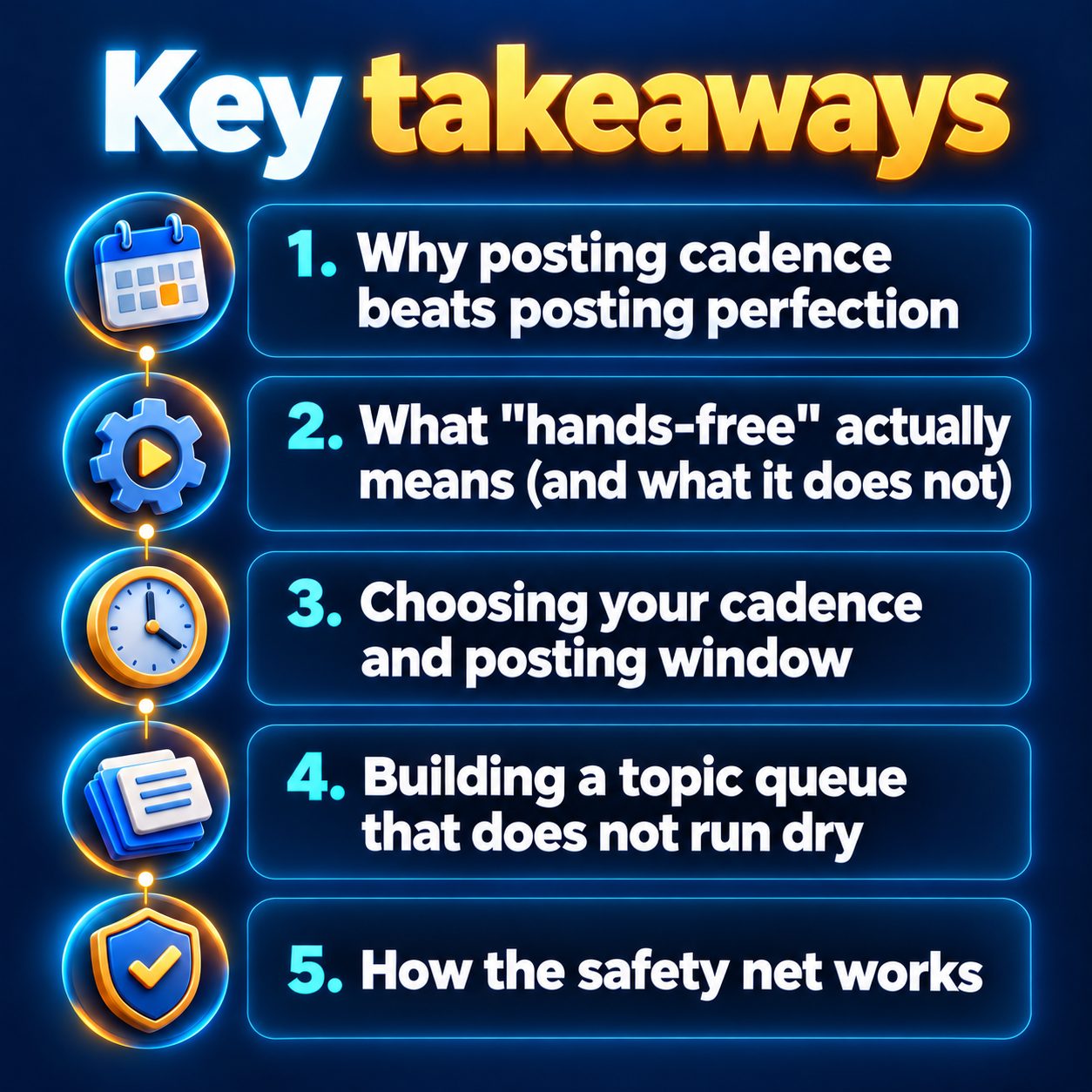
Choosing your cadence and posting window
Autopilot offers three cadences: daily, three times a week, or weekly.
Daily works for niches with endless topic depth: scary stories, history facts, stoic motivation. Your queue drains fast, so plan to refill it often.
Three times a week suits niches where each video needs a meatier topic: startup stories, true crime, business parables. It also stretches your credit balance.
Weekly is a solid starting point if you are testing a niche and want performance data before committing more.
You can set a posting window with start and end hours so videos go live when your audience is active. You also choose visibility per video: public, unlisted, or private.
Building a topic queue that does not run dry
The queue holds up to twenty topics, rendered oldest first. One topic per line; the order you add them is the order they publish.
A few habits that keep the queue healthy:
Batch your topics weekly. Sit down once, brainstorm the next set, and paste them in. This is your one active task in the whole system.
Develop topics on the "My brand" page first. Save your audience and content pillars there, then develop each topic into angles and opening hooks before adding it to the queue. That small investment means your autopilot scripts start with stronger openings.
Watch for the content check. Every topic passes a review before entering the queue. If topics keep getting rejected, Autopilot pauses itself to protect your channel. Adjust the phrasing and re-add.
When the queue empties, Autopilot pauses. It will not invent topics or recycle old ones. Refill and switch it back on.
How the safety net works
The real fear behind any "hands-free" promise: what if something bad publishes while I am not looking?
By default, every finished video waits in an approval queue. You see the video, tap Approve and publish, or tap Reject. Nothing goes live without that tap.
Once you trust the output, you can flip on "Publish automatically." Even then, a quality gate sits between the render and the publish step. Videos that fall below the threshold are marked "Held back" and never posted; your audience never sees them.
Autopilot is also designed to pause before doing anything harmful. It stops when your topic queue is empty, when renders keep failing (credits are returned to your balance automatically), or when recent topics are repeatedly flagged by the content check. Nothing broken ever publishes.
One more detail: each platform shows a padlock icon in Autopilot until you have manually published at least one video to it. This confirms the connection works before automation begins. Publish one video yourself, and the padlock clears.
Start cautious. Approve everything manually for a couple of weeks. Graduate to fully automatic only when you are comfortable.
Start with one week on the schedule
Pick one niche. Add a week's worth of topics to the queue. Set the cadence to daily and leave the approval queue on.
Over the next week, a video will land in your approval queue each day. Review it, tap approve or reject, and watch what happens on your channels. That is the difference between "I should post today" and "a video is already waiting for me." The first version drains willpower. The second asks for a single tap.
You can try your first few videos free with the 450 credits you get when you verify your email (no card needed), enough for three or four watermarked still-frame Express renders, or a single one with AI motion. Those initial renders let you judge the quality before committing to a plan, and Autopilot, scheduling and publishing all require a subscription. When you are ready to automate, Autopilot and scheduling are one toggle away.
The expensive choice is not the subscription. It is another week of meaning to post and not posting, while the algorithm learns nothing about your channel.
Doing this by hand is the part most people quit at. MaqtAi writes the script, narrates it, generates the visuals and captions, and assembles the faceless short for you. Verify your email and you get 450 free credits: about 3 videos on the still-frame tier, or one with AI motion. Free renders carry a watermark.
Try it on your niche freeFrequently asked questions
Does Autopilot post to TikTok automatically? Not yet: a TikTok destination waits in the approval queue, and you tap to publish it. MaqtAi does post to TikTok directly and publicly, with a visibility level you pick before posting, so manual publishing is the flow for now.
What happens if I run out of credits mid-schedule? Videos will fail to render and those credits are returned to your balance automatically. Refill your balance and the queue picks up where it left off.
Can I run Autopilot across more than one channel? Yes. You can connect multiple accounts and even multiple channels on the same platform. Each connected channel appears as a separate choice, so you pick which ones receive autopilot videos.
Will platforms penalize scheduled AI videos? No platform down-ranks videos for being AI-made. They rank by viewer behavior: watch time, completion, likes, and shares. What hurts reach is spam patterns like posting near-duplicate files across many accounts. Original videos on a consistent schedule is exactly what the algorithms reward.