
Why captions earn their spot on a short video
Think about how you watch shorts yourself. On the bus. In bed next to someone who's asleep. In a queue with one earbud lost somewhere in your bag. Sound off, or close to it.
If everything your video says lives in the narration, that viewer gets moving pictures and nothing else. So they swipe.
Captions fix a few things at once:
- Your hook lands in silence. The first line is the whole game in short form. If it only exists as audio, a muted viewer never hears it.
- Fast narration gets easier to follow. Names, places, numbers, unusual words. Reading along catches what the ear misses, especially with accents or quick delivery.
- More people can watch, full stop. Deaf and hard-of-hearing viewers are part of your audience too. Captions aren't a bonus for them. They're the video.
Here's the part that matters for growth. Platforms rank shorts on how viewers behave: watch time, completion, rewatches, shares. Captions don't touch that ranking directly. What they touch is whether someone sticks around long enough to create those signals in the first place.
What captions can't do (the honest part)
A lot of advice oversells this, so let's be straight.
Captions are not a growth trick. No platform pushes your video further because it has text on screen. A boring opening line in bold yellow letters is still a boring opening line. A niche nobody is searching for doesn't find an audience because the words are animated.
And nobody can tell you how much captions will help your specific channel. If someone quotes you a precise lift without linking where it came from, treat it as a guess. The real test is your own analytics. Caption your videos consistently for a few weeks and watch the retention graph in the opening seconds. That tells you more than any blog post, this one included.
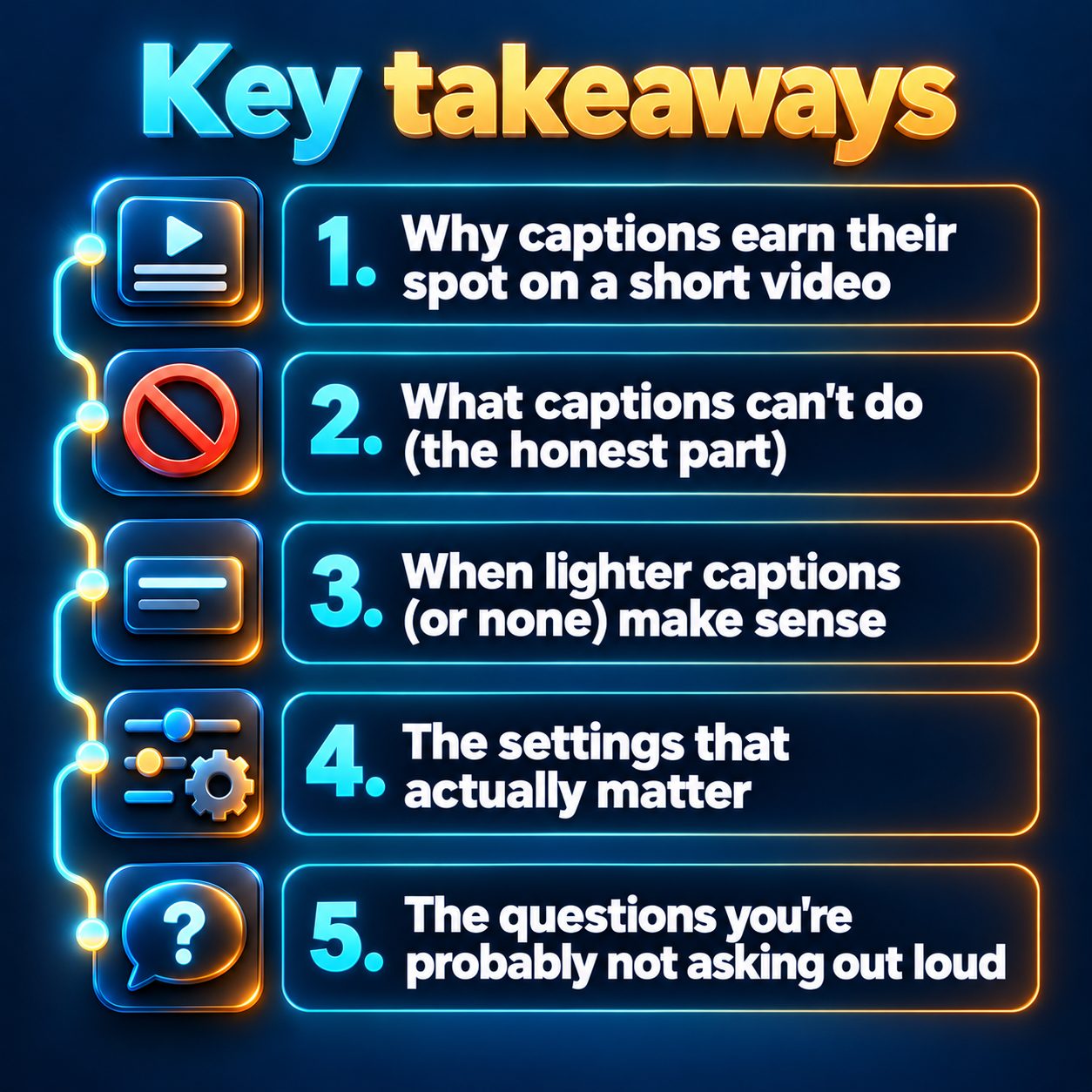
When lighter captions (or none) make sense
Most niches should keep captions on. A few are genuinely different.
- Sleep and bedtime stories. Bright, punchy text pulls the eyes open, which is the opposite of the point. Many listeners have the screen face down anyway. Go small and soft, or switch them off.
- Pure visual or music content. Satisfying loops, scenery, ambience. There's no narration to caption, so a single title line is usually enough.
- Slow, atmospheric scary stories. Captions still help, but huge flashing chunks can break the mood. Smaller, calmer styling keeps the tension.
Everything talk-driven belongs in the captions-on camp: education, finance explainers, history, motivation, true crime, quizzes, product videos. If the value is in the words, put the words on screen.
The settings that actually matter
You don't need to obsess over fonts. You do need to get a handful of things right.
Short chunks. A few words at a time reads at a glance. Full sentences force the viewer to read instead of watch, and the text starts fighting your visuals.
Placement. The bottom of a vertical video gets covered by the platform's own interface: your username, the post caption, the like and share buttons down the right side. Keep your captions clear of those zones and always preview on an actual phone before posting.
Contrast. A solid colour with an outline or shadow survives any background. Thin, pale fonts disappear over bright scenes.
Per-word highlighting. That style where each word lights up as it's spoken can feel energetic in fast niches. In calm ones it's noise. It's a choice, not a requirement.
Burned-in versus platform captions. TikTok and YouTube can generate captions automatically, but viewers may have to switch them on, and accuracy wobbles on names and accents. Burned-in captions are always seen. The tradeoff is you can't fix a typo after posting, so proofread the names before you publish.
The questions you're probably not asking out loud
"Will captions make me look like every other AI channel?" Captions are standard across faceless and on-camera creators alike. What looks cheap is sloppiness: typos, text sitting over a face, three styles fighting in one frame. Clean captions just look finished.
"Did I hurt my old videos by skipping them?" No. There's no penalty to undo. Start captioning from your next upload and let the comparison build from there.
"Do I need captions in other languages?" Only if you're making videos for that audience. Captions should match the narration. A video narrated in Spanish wants Spanish captions, not a translation layered underneath.
Making captions the default instead of a chore
Be honest about why most creators skip captions. It's not a strategy. It's time. Syncing text by hand in an editor, fixing the timing, restyling every video. That's the job that quietly breaks a daily posting habit.
This is the one friction a tool should just remove. In MaqtAi, captions are built into every video automatically. They appear in chunks of up to four words by default, and the "Highlight words as they're spoken" switch is there if you want that style, off unless you turn it on. The wizard starts in Simple mode and picks the caption style for you. If you want to change the font, size, position or colour, or turn captions off for a sleep video, switch the toggle at the top from Simple to Advanced and open the Captions step. The caption language follows the voiceover language you pick on the Topic step, across 50+ languages. You can see how it fits with the rest of the workflow on the features page.
None of that writes your hook for you. It just means captions stop being the reason a video doesn't go out today.
What waiting actually costs
Every uncaptioned video you post while you're deciding is one more video that sound-off viewers swiped past. Worse, you're not collecting the data that answers the question for your channel. The creator in your niche who captions everything and posts daily is building that retention history right now, video by video.
So skip the debate and run the test. Make one captioned video this afternoon and watch it on your phone with the sound off. Most new accounts get free credits when they verify their email, with no card needed, and the details are on the pricing page. Free renders carry a watermark, so think of it as a test drive rather than a finished post. It's enough to see whether your hook survives in silence.
Doing this by hand is the part most people quit at. MaqtAi writes the script, narrates it, generates the visuals and captions, and assembles the faceless short for you. Verify your email and you get 450 free credits: about 3 videos on the still-frame tier, or one with AI motion. Free renders carry a watermark.
Try it on your niche freeFrequently asked questions
Do captions help short videos get more views? Not directly. Platforms rank shorts on viewer behavior like watch time and completion, and captions help by keeping sound-off viewers watching long enough to create those signals.
Should captions be burned in or left to the platform? For shorts, burned-in captions are the safer choice because every viewer sees them without switching anything on. Just proofread names and numbers first, since you can't edit them after posting.
Where should captions go on a vertical video? Keep them away from the bottom edge and the right side, where the platform's buttons and post text sit. Preview on a real phone before you publish.
Do I need captions if my video already has a voiceover? Yes, for almost every talk-driven niche, because many viewers scroll muted. Sleep and ambience content are the main exceptions, where softer captions or none fit better.