
What YouTube actually asks you to label
YouTube's rule is narrower than the rumors. Its altered or synthetic content policy asks you to disclose when a video is realistic and meaningfully altered or generated. That means the kind of thing a viewer could reasonably believe is real footage. YouTube's examples fall into three buckets:
- A real person doing or saying something they didn't. A swapped face, or a generated voice that sounds like a specific person.
- Real events or places that have been altered. A real building shown on fire when it wasn't. A real street edited into something that never happened.
- Realistic scenes that never happened. A photoreal "news clip" of a storm, a lifelike crowd, a fake but believable event.
The test isn't "did I use AI?" It's "could someone watching this think it's real?" That one question settles most of your uploads.
What doesn't need the box ticked
Here's the good news. Most of what faceless creators use AI for counts as production help, and YouTube says that's exempt. Under the same policy, you don't need to disclose AI used for scripts, ideas, or captions. The same goes for clearly unrealistic content like animation, fantasy, or obvious stylization, and for small edits like color correction and filters.
So a horror story told over comic-book or anime-style art doesn't need a label. A history Short with painterly illustrations doesn't either. Nobody thinks a watercolor Roman legion is real footage.
The gray zone is realism. Two cases are worth thinking through honestly:
- Photoreal visuals of people. If your AI scenes look like real footage of real-looking people at a real-looking event, lean toward yes. That goes double for true crime and news-style content.
- Voices and presenters. YouTube's examples include generated voices that sound like a real person and realistic synthetic people. A lifelike talking presenter is the clearest yes. A narrator over clearly illustrated visuals is much less likely to fool anyone. But if you're unsure, tick the box. Disclosing when you didn't strictly have to costs you nothing.
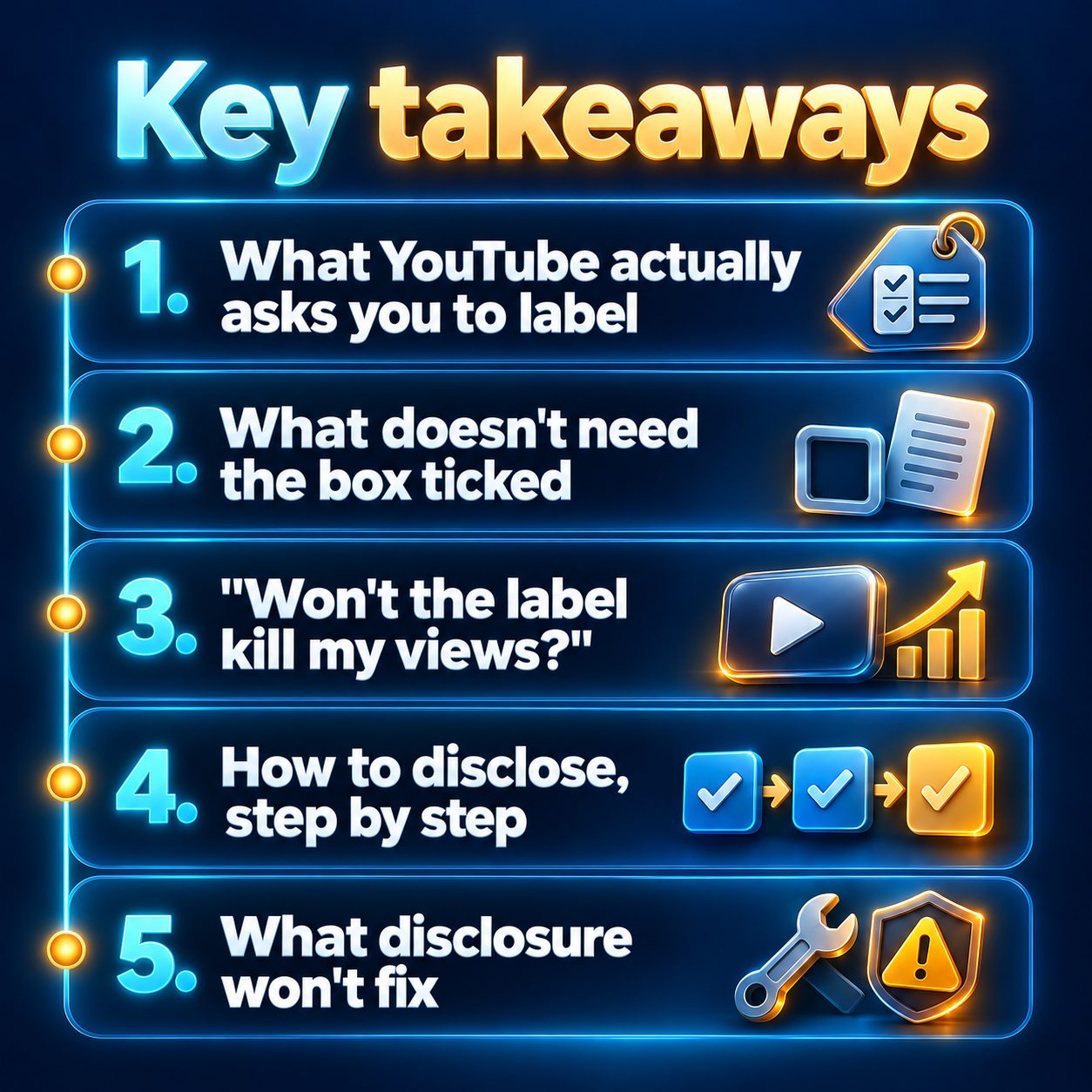
"Won't the label kill my views?"
This is the real worry behind the question, so here's a straight answer. No platform down-ranks a video just for being AI-made. YouTube ranks Shorts by how viewers behave: watch time, whether they finish, likes, shares. The label itself doesn't reduce reach.
What does put your channel at risk is skipping the label when the rule applies. YouTube says it may add the label itself. Creators who keep failing to disclose can have content removed or be suspended from the Partner Program. So the label is cheap, and hiding it is the expensive move.
Then there's the question you might not say out loud: will people judge you? Some will, in the comments, whatever you do. Mostly, though, viewers judge whether the video was worth their time. A clear label on a genuinely good Short reads as honest. A realistic fake that gets called out reads as a trick, and that's the comment thread that hurts.
How to disclose, step by step
- Upload in YouTube Studio as usual.
- On the Details step, find the Altered content question. Answer Yes if the video passes the realism test above.
- Finish publishing. For most videos, YouTube shows the label in the expanded description. For sensitive topics like health, news, elections, or finance, it can also show a more visible label on the video itself.
- For videos that are already live, open the video in Studio, go to its details, change the answer, and save. You're allowed to fix old uploads, and it's worth doing for anything in your back catalog that clearly qualifies.
If you post through a scheduling or auto-publishing tool, don't assume it answers that question for you. After a video goes live, open it in Studio and check what's set. Make that a habit for the first few videos of any new series.
What disclosure won't fix
Being honest about AI keeps you on the right side of one policy. It doesn't make a channel monetizable. YouTube's monetization rules separately target inauthentic content: mass-produced, repetitive videos that look like one template with the words swapped. A channel full of near-identical uploads can still be turned down for the Partner Program, even if every video is labeled perfectly.
What keeps you safe there is the same stuff that gets views: a real niche, a sharp first sentence, a payoff, and enough variety that each video stands on its own.
Tools have honest limits here too. MaqtAi writes the script, narrates it, generates and animates the visuals, and can auto-publish on a schedule. What it can't do is decide for you whether a given video looks real enough to need the label. That call stays with you. What helps is choosing your visual style on purpose. Stylized looks like anime, watercolor, or comic art sit well outside the disclosure rule. Realistic, people-heavy footage is exactly where you should plan to tick the box. And if a lifelike presenter fronts the video, disclose.
What sitting on the fence costs you
Here's what waiting actually costs. Every week you spend unsure whether you're "allowed" is a week with no uploads, no watch-time data showing which hooks work, and no back catalog building up. Meanwhile someone in your niche is posting daily, ticking the box when it applies, and learning from every video.
The whole rule fits in one sentence, and dealing with it takes one question at upload. That's not a good reason to stay stuck.
So take one small step. Make one video today in a stylized look, check it against the realism test, and post it. If you'd like to try that without filming or paying anything first, most new accounts that verify their email get free credits for a first video, with no card needed (see how credits work). Free videos carry a watermark, so think of that first one as your test run.
Doing this by hand is the part most people quit at. MaqtAi writes the script, narrates it, generates the visuals and captions, and assembles the faceless short for you. Verify your email and you get 450 free credits: about 3 videos on the still-frame tier, or one with AI motion. Free renders carry a watermark.
Try it on your niche freeFrequently asked questions
Do I need to disclose an AI voiceover on YouTube? It depends on how realistic it is. YouTube's examples flag generated voices that make it seem like a real person is speaking. A narrator over obviously illustrated visuals is unlikely to mislead anyone, but if you're unsure, disclose. It costs nothing.
Do I need to disclose AI-written scripts or captions? No. YouTube treats scripts, ideas, and captions as production help, which is exempt from the disclosure rule.
Does the AI label hurt monetization? Ticking the box isn't what decides monetization. That comes down to the Partner Program rules, including the inauthentic content policy against mass-produced, repetitive videos.
What happens if I forget to disclose? YouTube may add the label itself. Repeatedly failing to disclose can lead to removed videos or suspension from the Partner Program. You can update older uploads in YouTube Studio at any time.
Results vary, and nothing here is a guarantee of reach or income.