Is it allowed, and does Instagram bury AI voices?
It's allowed. Instagram even has its own text-to-speech voice built into the Reels editor, which tells you how the platform feels about synthetic narration. Reels get ranked on what viewers do: whether they stop scrolling, watch to the end, rewatch, share, or save. None of that asks how the audio was produced.
What does hurt reach has nothing to do with the voice. Posting the same file across a pile of accounts, uploading near-duplicate videos in bulk, and opening with a limp first sentence all get punished. AI or human narration doesn't change that.
There is one rule worth knowing. Meta asks creators to disclose realistic content that was digitally created, and that can include realistic-sounding audio. A narrator reading your own script about Roman history is low risk. A voice that sounds like a real, identifiable person saying things they never said is not. If you're unsure, add the AI label. The label doesn't shrink your distribution. Skipping it when it applies is what puts a post at risk of removal.
Why AI-voiced Reels get scrolled past (it's rarely the voice)
You've probably seen AI-narrated Reels that felt dead on arrival, and that's the fear behind the question. But look closer at those videos. Usually the voice was fine. The script was the problem.
The common failures:
- A throat-clearing opener. "Have you ever wondered..." loses people before the voice has a chance to matter.
- Wrong pace for the content. A quick fact list read slowly feels padded. A ghost story read fast feels like an ad.
- A voice that fights the niche. A bright, upbeat narrator on a true crime story reads as careless.
- No payoff. The video sets up a question and never really answers it.
Fix those and most viewers stop thinking about who's talking. They're thinking about what happens next.
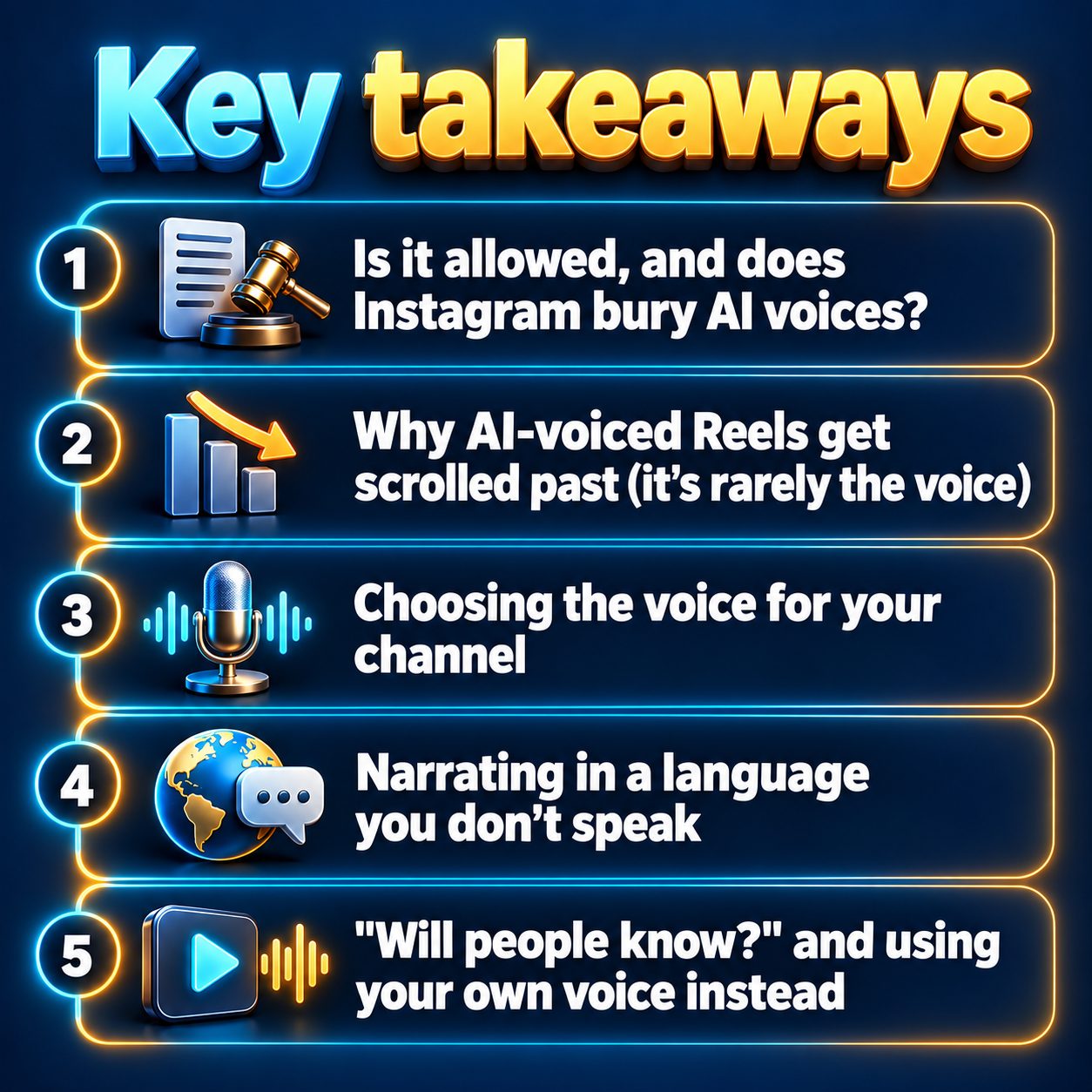
Choosing the voice for your channel
This is the actual decision, so treat it like one. In MaqtAi's video wizard, the Voice step gives you ten narrator voices with a preview button, and speech speed runs from half speed up to double. Here's how I'd choose:
Preview against your real hook, not a sample line. A voice that sounds lovely on "Welcome to the channel" can sound flat on "This man vanished from a locked room." Paste your actual first sentence in your head and listen for whether it lands.
Match energy to niche. Calm, lower, slower for sleep stories and history. Steady and serious for true crime and dark psychology. A little quicker and brighter for facts, quizzes, and startup stories. If you're still deciding on a niche, the use cases page is a decent place to see which ones suit narration.
Adjust speed before you swap voices. Often the voice is right and the pace is wrong. Nudge the speed a touch faster for short list-style Reels and a touch slower for anything atmospheric.
Pick one and keep it. The same narrator across a series becomes part of your channel's identity. Viewers start recognizing it in the feed. Switching every video throws that away.
Decide on the bed. By default the video is voice only, no background audio. You can add an ambience from a fixed library, a vocal bed, or upload your own music. For story niches, a quiet bed helps. For fast facts, clean voice is usually better.
Narrating in a language you don't speak
This is where AI voiceover does something you genuinely couldn't do alone. The language picker on the Topic step covers 59 languages and controls the script, the narration, and the captions together. You can write your topic in English and have the whole video narrated in Spanish or Hindi.
For a video you've already made, the Language versions panel creates the same video with the same visuals and a new voiceover and captions in another language, as long as it's within seven days of rendering. Those versions use a preset narrator voice, not a cloned one.
One honest caution: you can't judge a script in a language you don't read. Have a native speaker glance at your first few before you build a whole channel on it.
"Will people know?" and using your own voice instead
Some viewers will notice. A few will comment about it. Most won't care, as long as the video was worth their time. Plenty of popular Reels run on Instagram's own robotic text-to-speech voice, which tells you how forgiving audiences are when the content is good.
If you want your channel to sound like you without recording every script, Clone Studio has a Voice only mode. You record a short guided reading of about 25 seconds, and your cloned voice can narrate any video by picking "My voice" in the Voice step. It needs a paid plan, and making the clone itself costs no credits. It's labeled Beta, so it's close but not perfect. A calm, natural recording in a quiet room makes the biggest difference.
What an AI voiceover won't do for you
Here are the limits, plainly. A good voice doesn't pick your niche, and it doesn't make a weak idea interesting. Nothing in MaqtAi reads trends, so topic choice is still your judgment. Listen to your preview for names and unusual words before you publish, because you're the last check.
On the Instagram side, publishing Reels through any tool needs a Business or Creator account linked to a Facebook Page. Personal accounts can't publish through the API. Connecting accounts to publish from MaqtAi also needs a paid plan. On a free account you can still download the video and upload it yourself, but free renders carry a watermark and use stills with pan and zoom.
And who shouldn't bother? If your channel's whole appeal is your personality, your comedic timing, or a voice your audience already knows, keep talking. AI narration is for people whose content is the story, the fact, or the idea, not their own delivery.
What waiting costs, and one small step
Every week you spend wondering whether AI voices are allowed is a week of Reels you didn't post. Instagram can't learn who your videos are for until you give it videos to test. Meanwhile, someone in your niche is posting today, with a voice they didn't record, collecting the viewer data you're not.
The small step is to make one Reel. Pick a topic you already know well, choose a voice, preview it against your real hook, and see how it sounds. Verify your email and you get 450 free credits with no card, which covers roughly three to four still-frame videos or one with AI motion. The details are on the pricing page. That's enough to hear your channel's voice before you decide anything else.
Doing this by hand is the part most people quit at. MaqtAi writes the script, narrates it, generates the visuals and captions, and assembles the faceless short for you. Verify your email and you get 450 free credits: about 3 videos on the still-frame tier, or one with AI motion. Free renders carry a watermark.
Try it on your niche freeFrequently asked questions
Does Instagram reduce reach for Reels with AI voiceovers? No. Reels are ranked on viewer behavior like watch time, completion, and shares, not on how the audio was made. Duplicate mass posting and weak openings hurt reach; an AI narrator by itself doesn't.
Do I have to label AI voiceovers on Instagram? Meta asks you to disclose realistic content that was digitally created, which can include realistic-sounding audio. If a voice could be mistaken for a real person saying something, add the AI label. The label doesn't reduce distribution.
Can I use a clone of my own voice for Reels? Yes. Clone Studio's Voice only mode clones your voice from a short guided reading so it can narrate any video. It needs a paid plan and is still in Beta, so results are close but not perfect.
Can I post AI-voiced Reels from a personal Instagram account? You can upload them manually from any account. Publishing through a tool requires a Business or Creator account linked to a Facebook Page, since personal accounts can't publish through the API.