
What the AI actually handles, and what stays on you
Today's tools write the script, read it in a synthetic voice that lands close to human, generate moving scenes that fit the topic, add captions synced to the voice, and assemble all of it into a vertical video ready to post. You never show your face, never record your voice, never open an editor.
So what is left for you? Three decisions you cannot hand off: the niche you commit to, the angle on the topic, and the first sentence that stops a thumb mid-scroll. The tool executes fast, but it has no idea who you are talking to. When a generated video flops, the cause is almost always one of those three, not the quality of the generation.
From idea to a file you can post
Start narrow. "Stoicism" is a book topic. "What do you do when someone humiliates you in front of other people?" is a video topic. The narrower the topic, the clearer the script and the sharper the scenes.
Pick length and aspect ratio before the script. Length is what sets the word count, so changing it after the script is written means rewriting the script. Vertical or square video up to 3 minutes counts as a Short on YouTube, the standard frame is 9:16 at 1080 x 1920 pixels, and 16:9 gets treated as a regular video.
Read the script as the viewer, not as the writer. The structure that works in short form is simple: an opening line that grabs, a problem raised and solved, one single step at the end. Always rewrite the first line yourself. It is the only line everyone reads.
Review the scenes line by line. One idea per scene. If a line explains what the viewer just saw, cut it.
Listen to the voice before you commit to it. Try more than one voice and adjust the pace. A rushed read ruins a good script.
Add captions and a light audio bed. Captions are not a nice-to-have: most views start with the sound off.
Check it, then ship it. The review takes a minute, and generation usually runs a few minutes. That is the real gap between this and filming.
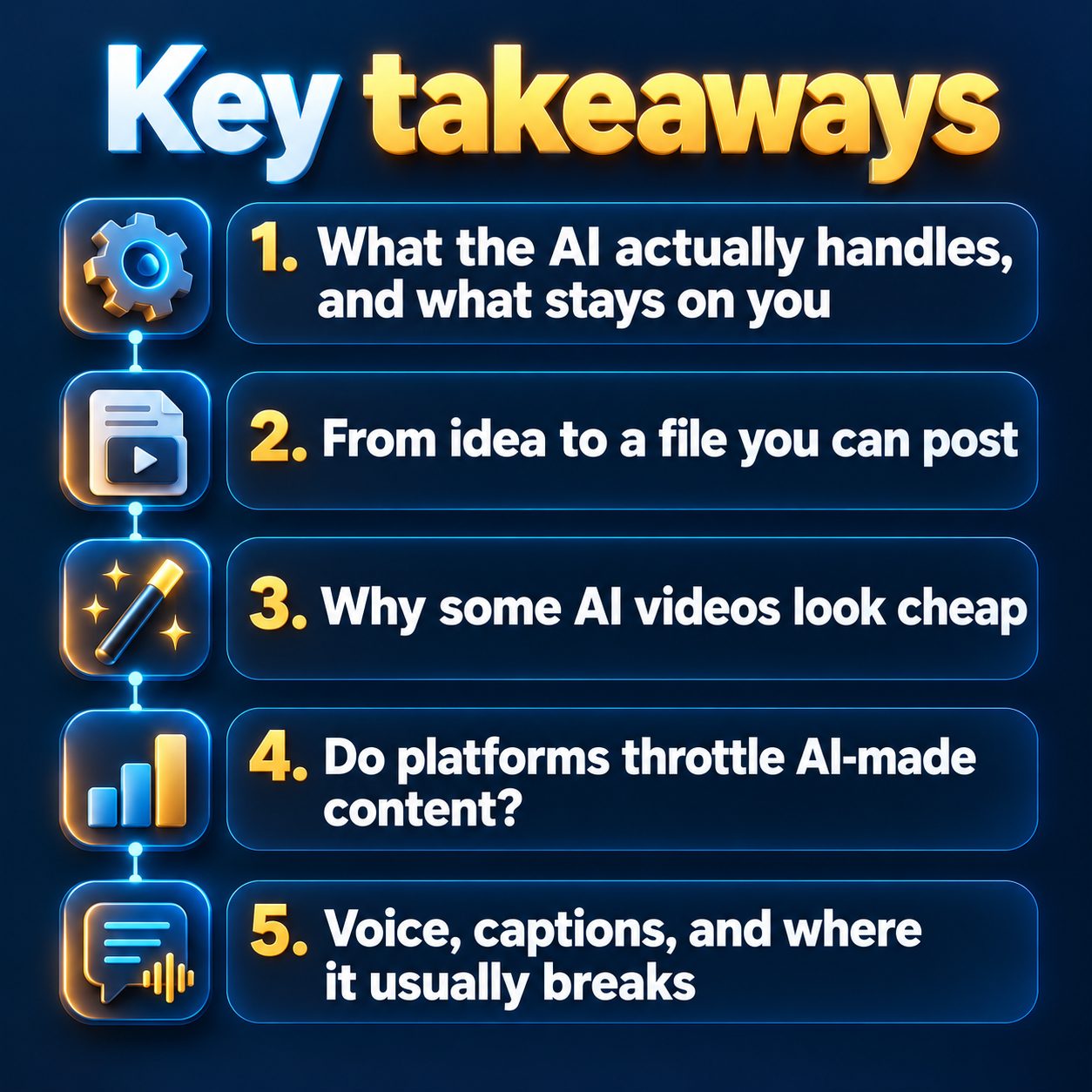
Why some AI videos look cheap
First reason: the scenes are still images in sequence with no real motion. The eye spots a slideshow instantly and leaves. Look for tools that give a scene actual movement, not an automatic zoom.
Second reason: the script explains instead of telling. "Today we are going to talk about the importance of sleep" is a dead open. "Your body starts breaking down after two bad nights of sleep" is a live one. The difference is not the AI. It is what you asked it for.
Third reason, the most common one among beginners: trying to cram everything into one video. One topic, one promise, one ending.
Do platforms throttle AI-made content?
No. TikTok, Instagram, YouTube and Facebook rank short video on viewer behavior: watch time, completion rate, likes, shares. How the video was produced is not a ranking signal. What actually hurts you is spam patterns, like posting the same file across many accounts or flooding one account with near-identical copies, weak opening seconds, and ignoring the disclosure rule for realistic synthetic content. The label itself does not cut your reach, but skipping it can get the video taken down.
Monetization has one detail worth reading closely: the thresholds for the YouTube Partner Program are 1,000 subscribers, plus either 4,000 valid public watch hours in 12 months or 10 million valid Shorts views in 90 days. The long-form path is more reachable than the Shorts path, and YouTube still pulls monetization from mass-produced repetitive content. Lazy repetition is not a plan.
Voice, captions, and where it usually breaks
Synthetic voices read clean copy well now, but watch three things. First, names and ambiguous terms: brand names, acronyms, anything that can be read two ways. Listen to the scene that contains them before you publish. Second, pace: most default voices run a little fast for a topic that asks the viewer to think, so slow it down until it is comfortable to follow. Third, captions have to render legibly on a phone, big enough and timed to the word, not a slab of text pasted over the frame.
One practical note: the voiceover language setting usually controls the script, the narration and the captions together, and you can write the topic brief in one language and ask for narration in another if that is easier for you. Set the language before you generate the script, not after.
Time, cost, and the honest limits
In practice you are paying credits per video: simple scenes consume fewer, advanced generative motion consumes more, and the exact numbers show up in front of you before you hit generate. At MaqtAi, for example, a new user who verifies their email gets 450 free credits with no card, enough for three or four still-frame Express videos or a single one with AI motion, and if a generation fails the credits are returned automatically. Plans and quality tiers are on the pricing page, and the path from topic to published video is laid out in three steps.
Now the honest part. The free plan does not connect your accounts for auto-posting, so you download the file and post it yourself. Talking-presenter videos are a paid feature, and free output carries a watermark, so it is not ready to post as it stands. Projects stay in the workspace for 14 days. TikTok posting is direct and public, with a visibility level you pick before you send it, though Autopilot cannot post there on its own yet, and Instagram Reels needs a Business or Creator account linked to a Facebook page. Anyone hunting for one button that builds a successful channel with no decisions from them will not find it here, or in any other tool.
What putting it off actually costs you
Nobody is going to judge you, because nobody will know. The viewer sees a topic, a voice and a rhythm, not a production method. And the question nobody says out loud, "am I too late?", answers itself: short-form channels are measured by how much you have published, not by the date you started.
What waiting costs is plain enough. The algorithm gathers no data on you until you post. The competitor who started today will have tested dozens of angles before you test one. And the channel you keep postponing does not grow while it sits in your head. The small step is not "start a channel." It is one video today that you watch with your own eyes and judge for yourself.
Doing this by hand is the part most people quit at. MaqtAi writes the script, narrates it, generates the visuals and captions, and assembles the faceless short for you. Verify your email and you get 450 free credits: about 3 videos on the still-frame tier, or one with AI motion. Free renders carry a watermark.
Try it on your niche freeFrequently asked questions
Do I need editing or writing experience? No. The tool handles the writing, the voice, the scenes, the captions and the assembly. What you need is taste in picking a topic and the ability to read the first line and judge it.
Do I own the videos, and can I use them commercially? Yes, the videos you generate are yours. You can publish them, monetize them, and use them commercially on your own channels.
How long does one video take? Generation itself usually runs a few minutes. The real time goes into choosing the topic and reworking the first line, and that is time worth spending.
Can I publish to more than one platform and account? Yes, you can connect several accounts and run more than one channel in parallel, keeping in mind that publishing and account linking require an active plan.
Results vary from channel to channel, and nothing in this article is a promise or guarantee of income.